 Timer+
How it works
How the Pomodoro template works
The Pomodoro template is ready in the catalog. Copy it once, then rename it, change it, or start it whenever you work.

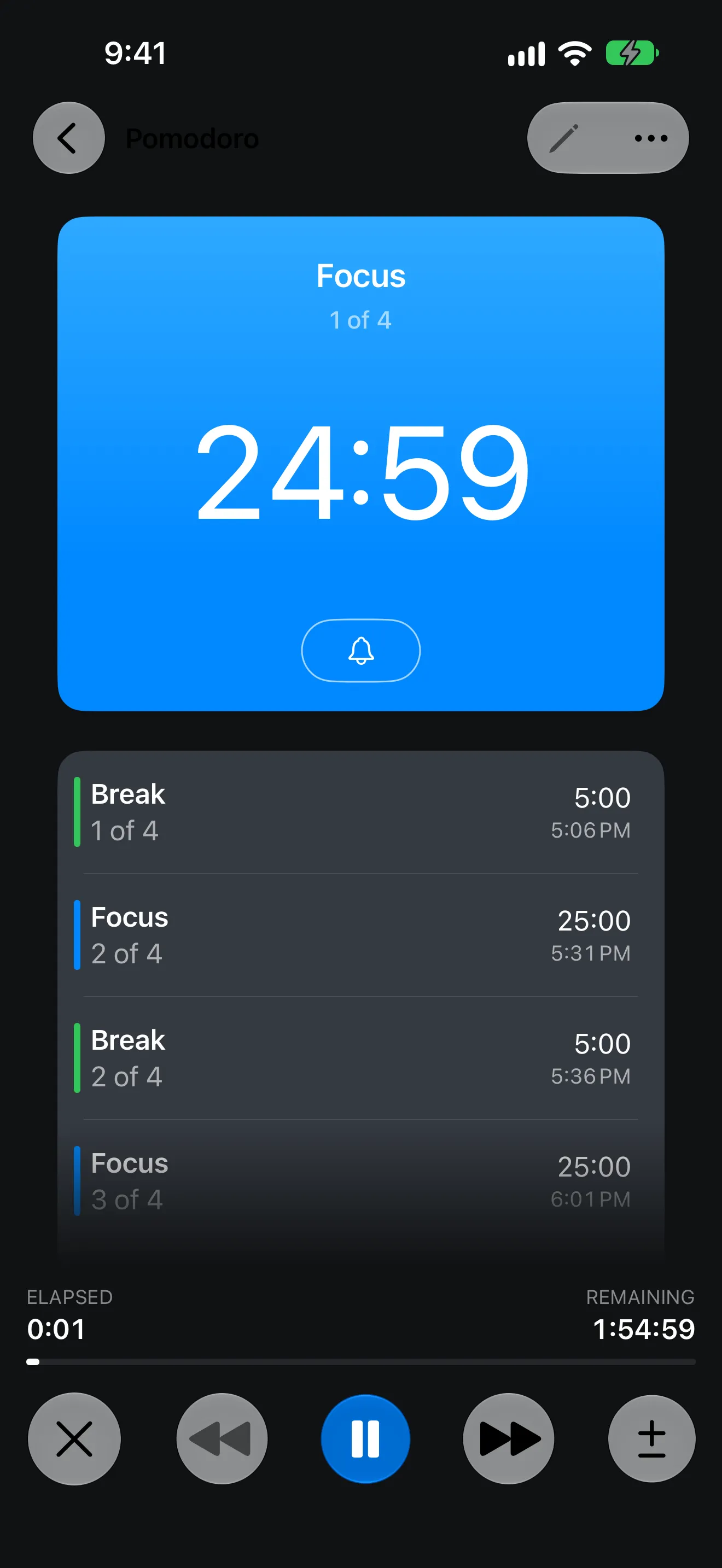
Timer+ is a free Pomodoro timer app for iPhone and iPad. Start four 25-minute focus sessions with 5-minute breaks in one tap, and a sound tells you when to switch, so you never have to watch the clock.

How it works
The Pomodoro template is ready in the catalog. Copy it once, then rename it, change it, or start it whenever you work.
1:55Total time for four focus sessions and three breaks.
Custom lengths
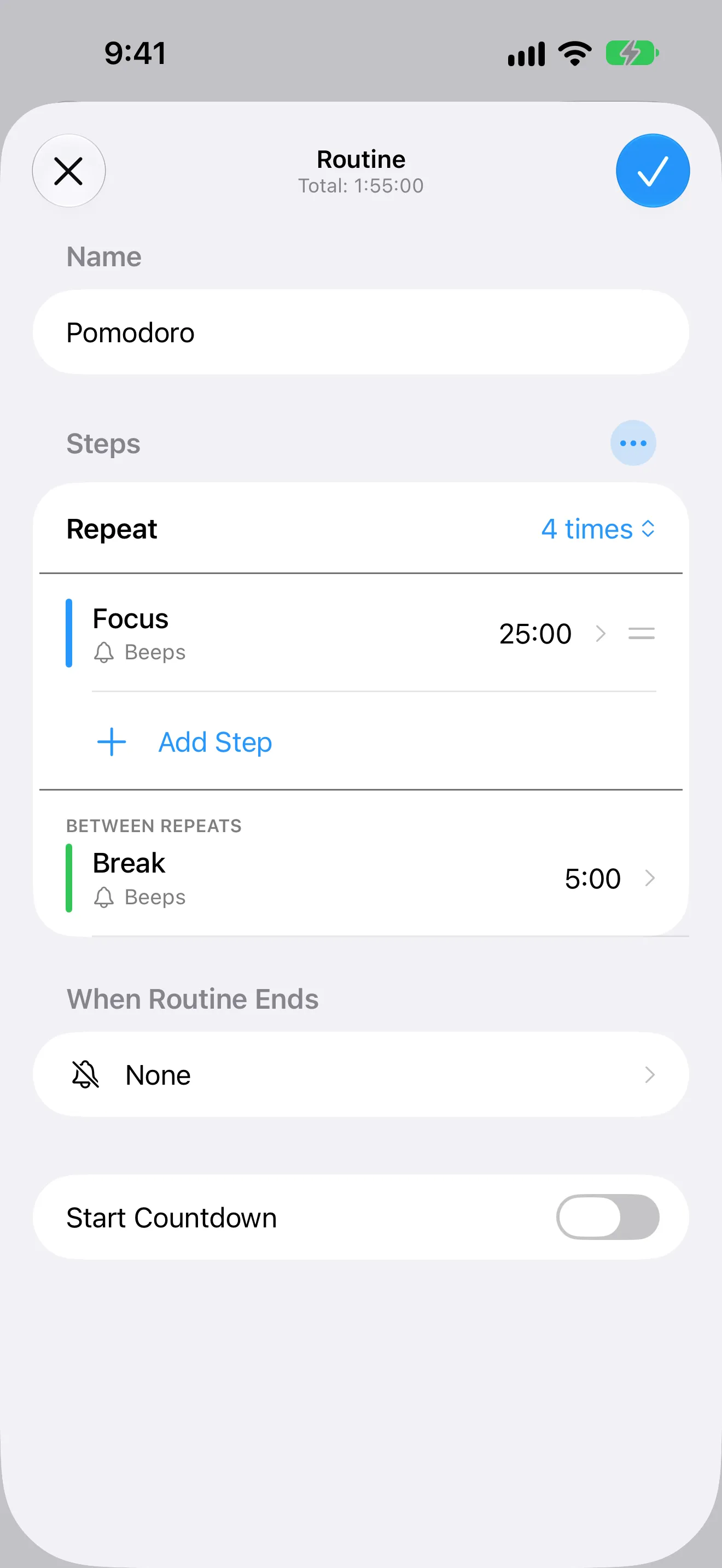
Change the focus and break lengths or the number of repeats, and save a version for each kind of work.
Alerts
Choose a sound for each focus session and break, or have Timer+ announce the next step while the timer is open.
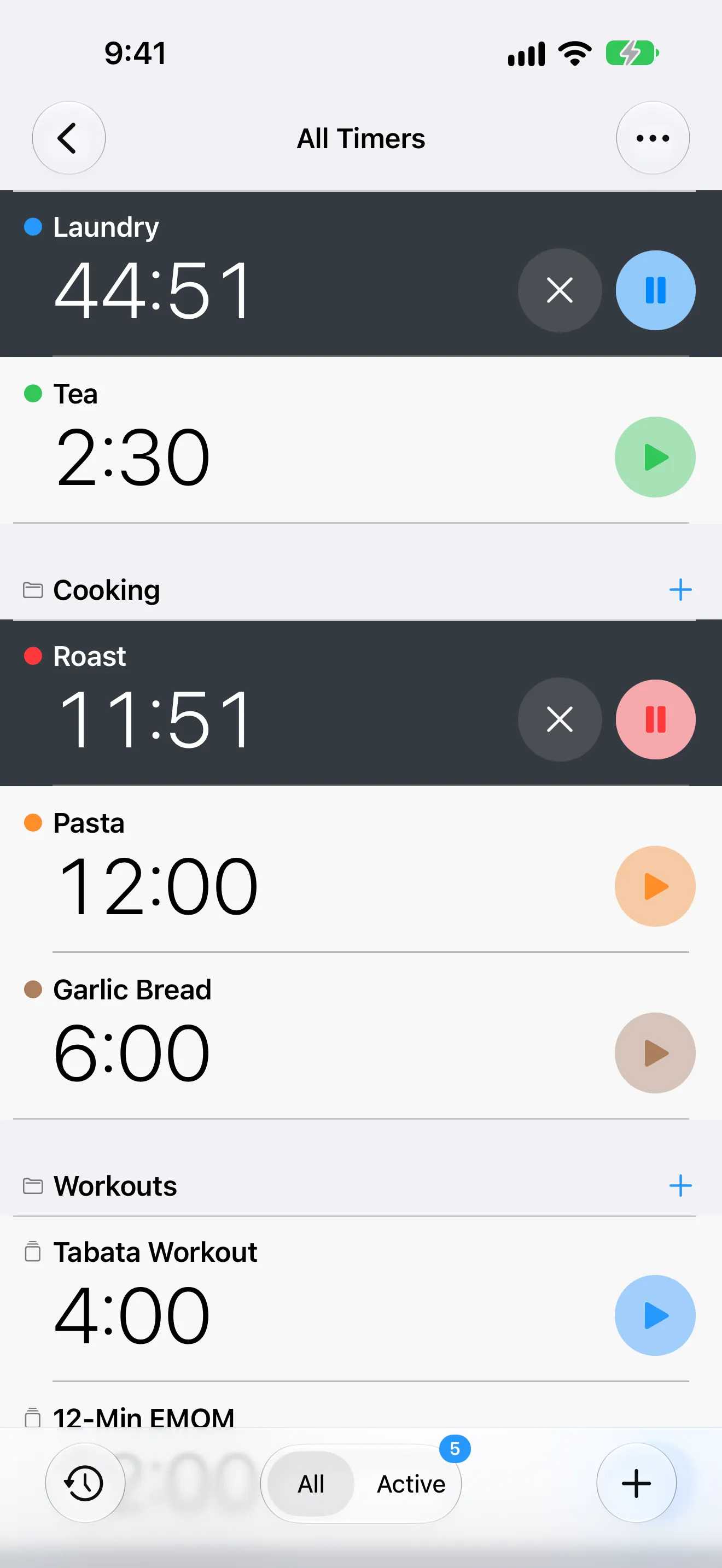
Keep your timers on a Home Screen widget, or glance at them on Apple Watch.
Timer History keeps every Pomodoro you finish, so you can see how your week went.
App Store review
5 out of 5 stars“Use it for focus and get stuff done.
15 mins work , 5 mins break, 15 mins work, then break, etc”
FAQ
The Pomodoro Technique is a time-management method created by Francesco Cirillo in the late 1980s. You work in focused 25-minute periods, called pomodoros, take a 5-minute break after each one, and take a longer break after four.
Yes. The Pomodoro template runs four 25-minute focus sessions with a five-minute break between them, and you can change any length.
Yes. A sound marks the start of each focus session and break, and announcements can say what comes next while the timer is open.
Yes. Build focus timers for study, writing, coding, or any long-form work, and save a version for each.
Get Timer+
Download Timer+, open the Pomodoro template, and start your first focus session.