 Timer+
Example workout
- Warmup3:00
- Burpees0:40
- Rest0:20
- Kettlebell swings0:40
- Rest0:20
- Mountain climbers0:40
- Rest0:20
× 4 rounds
- Cooldown3:00
Timer+ is a free interval timer app for iPhone and iPad. Build your HIIT or circuit workout once, with a warmup, named exercises, rests, and a cooldown, and it tells you what's next as you go.

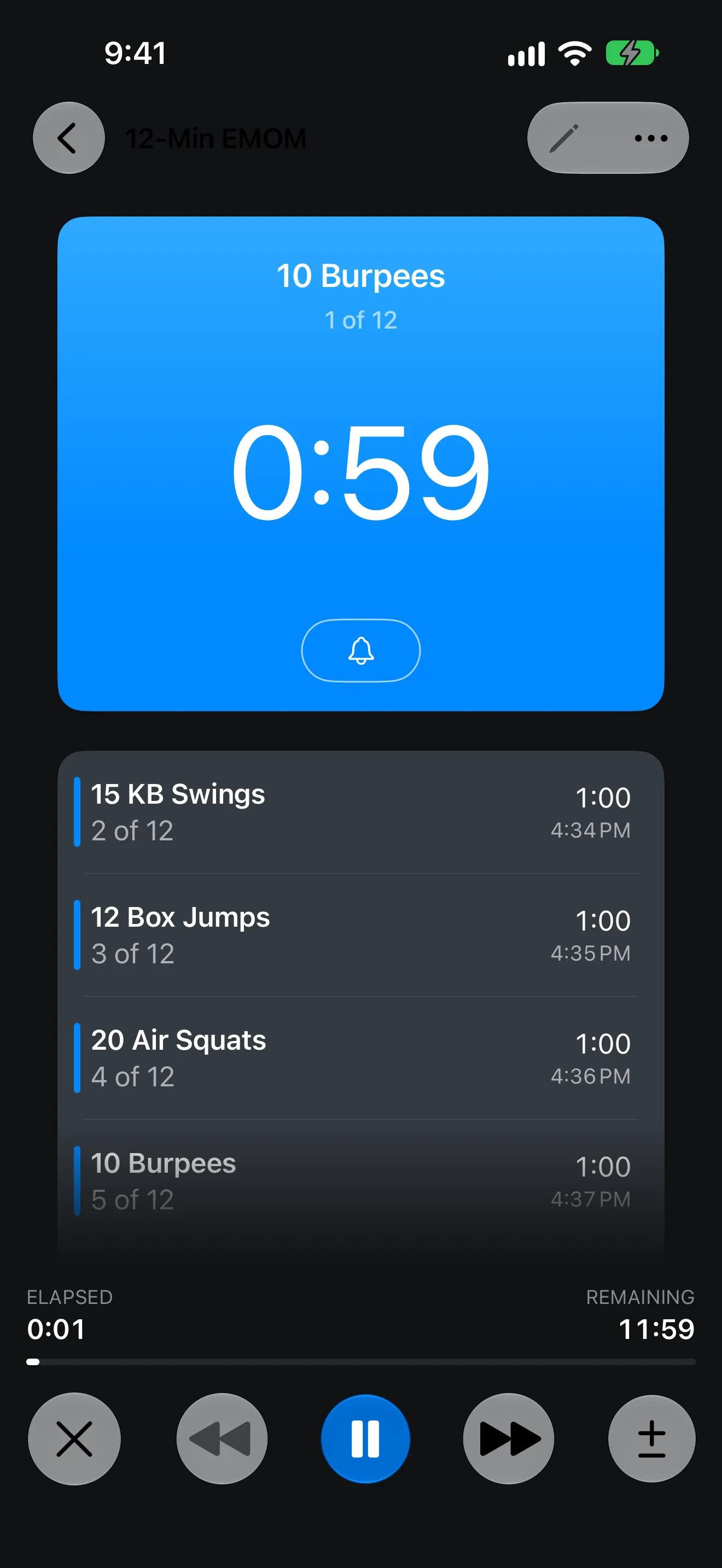
Custom workouts
Name each exercise, set how long it lasts, add rest where you want it, and repeat the circuit as many times as the plan calls for.
× 4 rounds
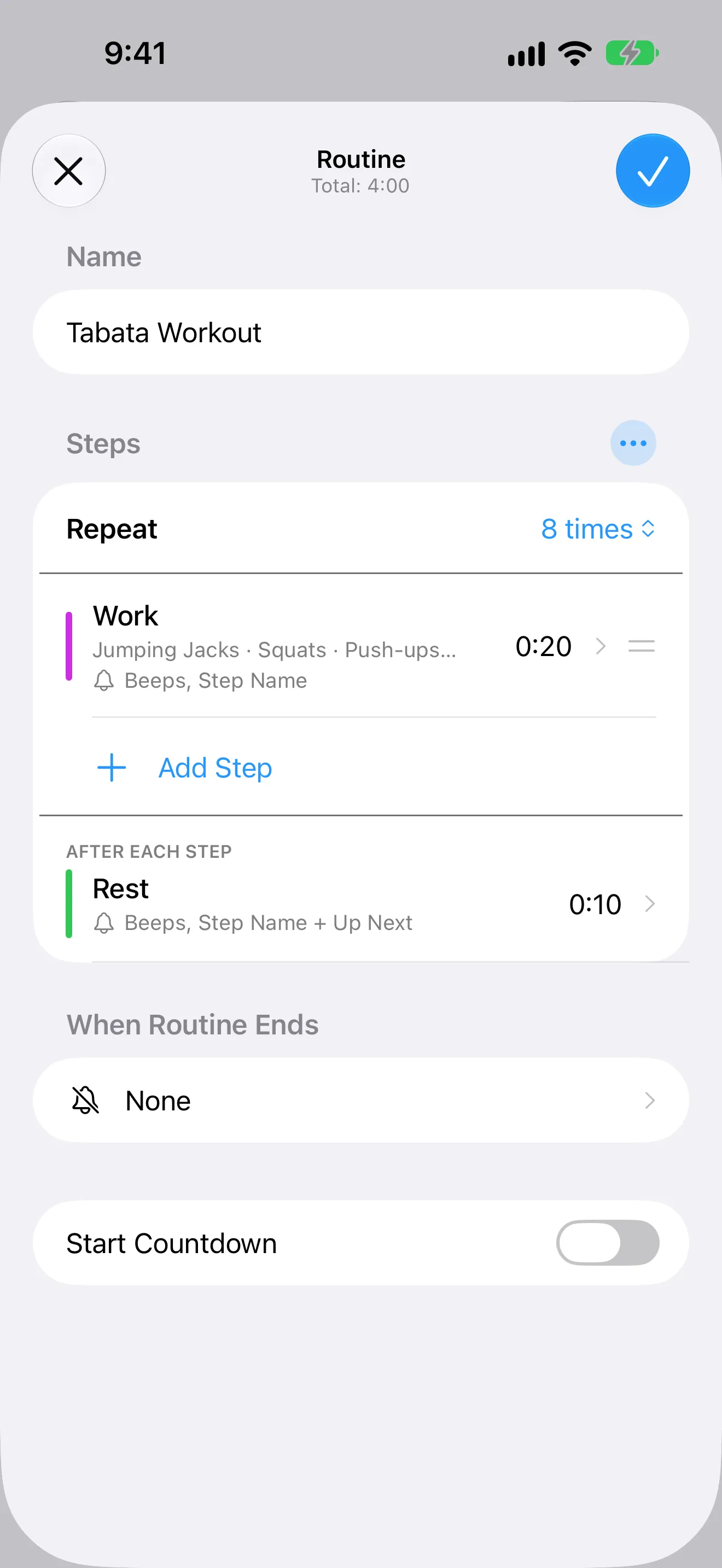
Hands-free
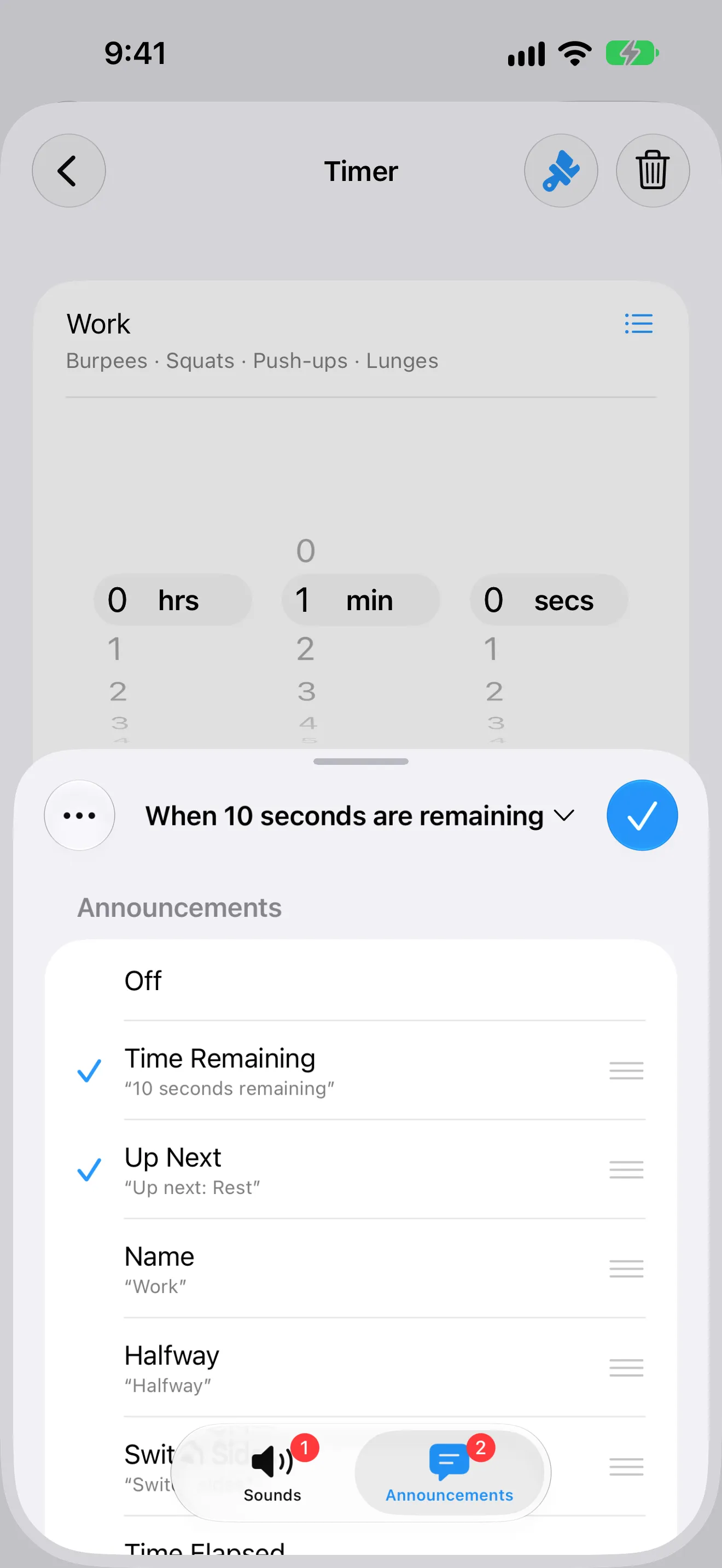
Name each step after its exercise and turn on announcements. Timer+ says the exercise as it starts and, during each rest, what's up next, so you can follow the whole workout without looking at your phone.
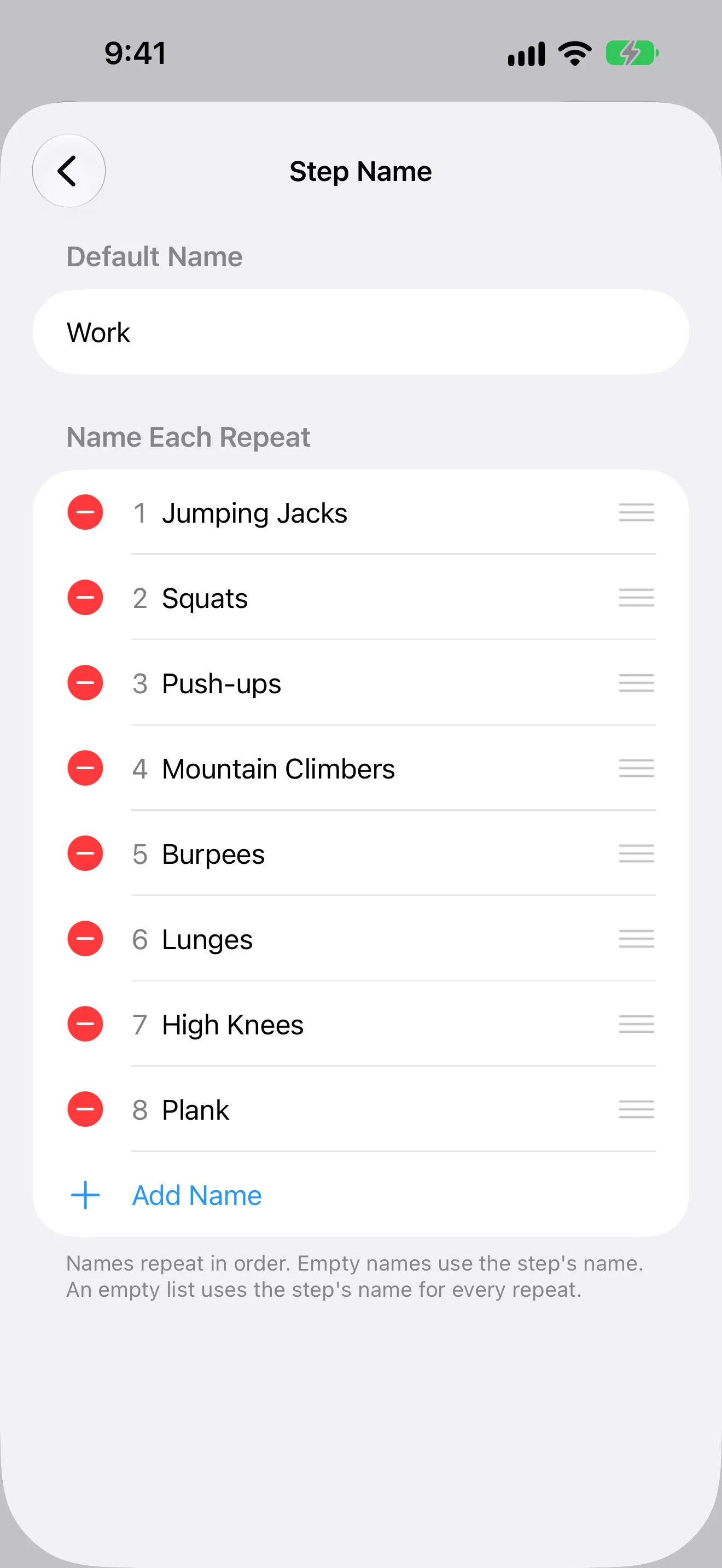
Work and rest
Set work and rest to any length, and save a separate timer for each workout.
App Store review
5 out of 5 stars“I use it daily to time my 20 minute High Intensity Interval Training on a stationary bike. 3 minutes warm up or no resistance followed by one minute each of increasing resistance up to 4 minutes then back to no load for 3 minutes and keeping my target heart rate within AHA recommendations
using a Polar HRM.”
Free browser tool
The free online HIIT timer lets you set work and rest, name every exercise, and run the workout in any browser. No account needed.
FAQ
An interval timer runs a sequence of timed periods, usually work and rest, and signals each change so you don't have to watch the clock. People use interval timers for HIIT, circuit training, running intervals, and other structured workouts. Timer+ also names each step and can tell you what's up next.
Yes. HIIT is interval training at high intensity, so set short work periods with rests, such as 40/20 or 30/30, add your exercises, and repeat the circuit for as many rounds as you like.
Yes. Timer+ supports any work and rest length, plus repeats and an optional step between repeats for longer workouts.
Yes. Every step has its own name, and you can name each repeat, so the running screen tells you exactly what to do next.
Yes. Add warmup, work, rest, and cooldown steps to the same routine and they run in order.
Yes. The Tabata Workout template runs eight repeats of 20 seconds on and 10 seconds off, and you can change it to suit your training.
Yes. Run controls let you move forward or back, pause, and extend a step while the workout is running.
Get Timer+
Download Timer+, build your workout, and start it in one tap.