Countdown Timers
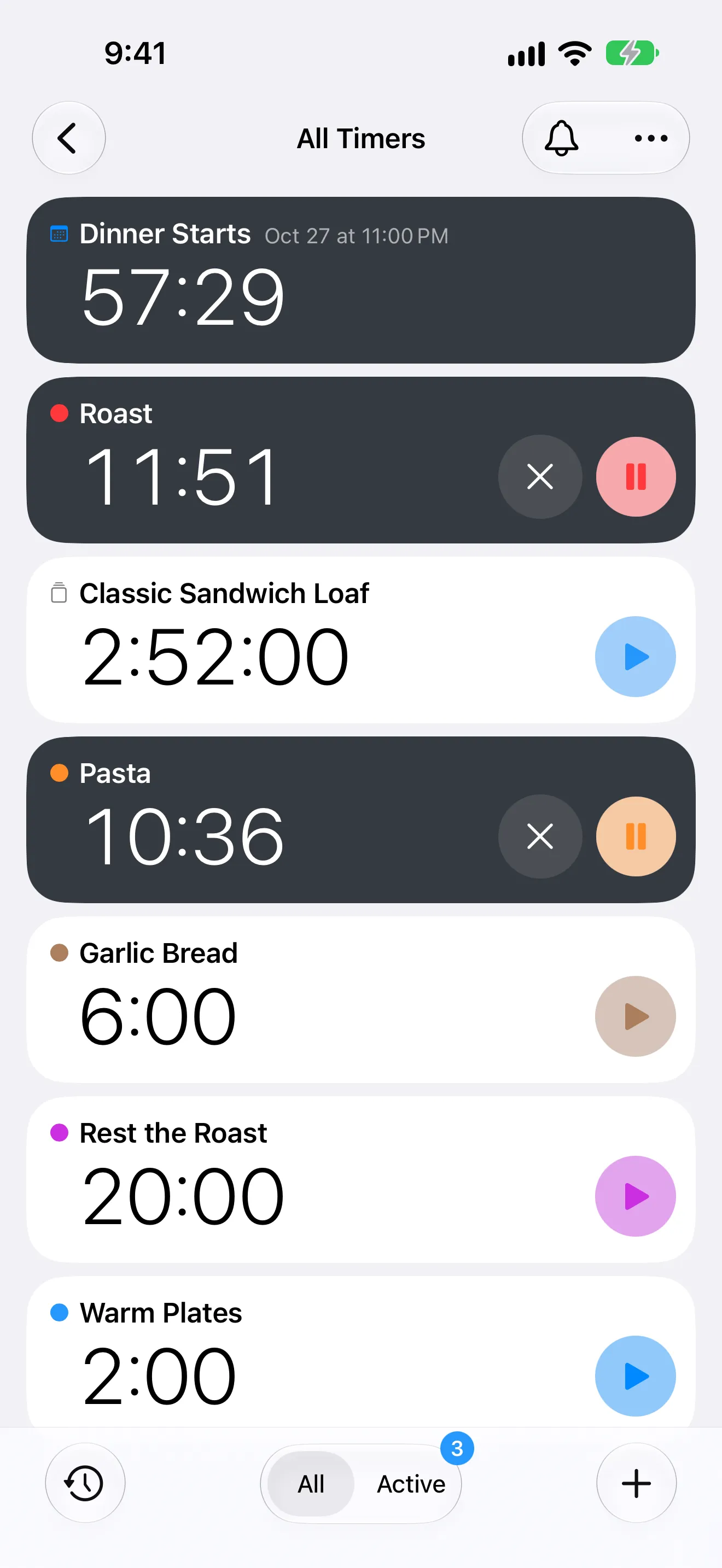
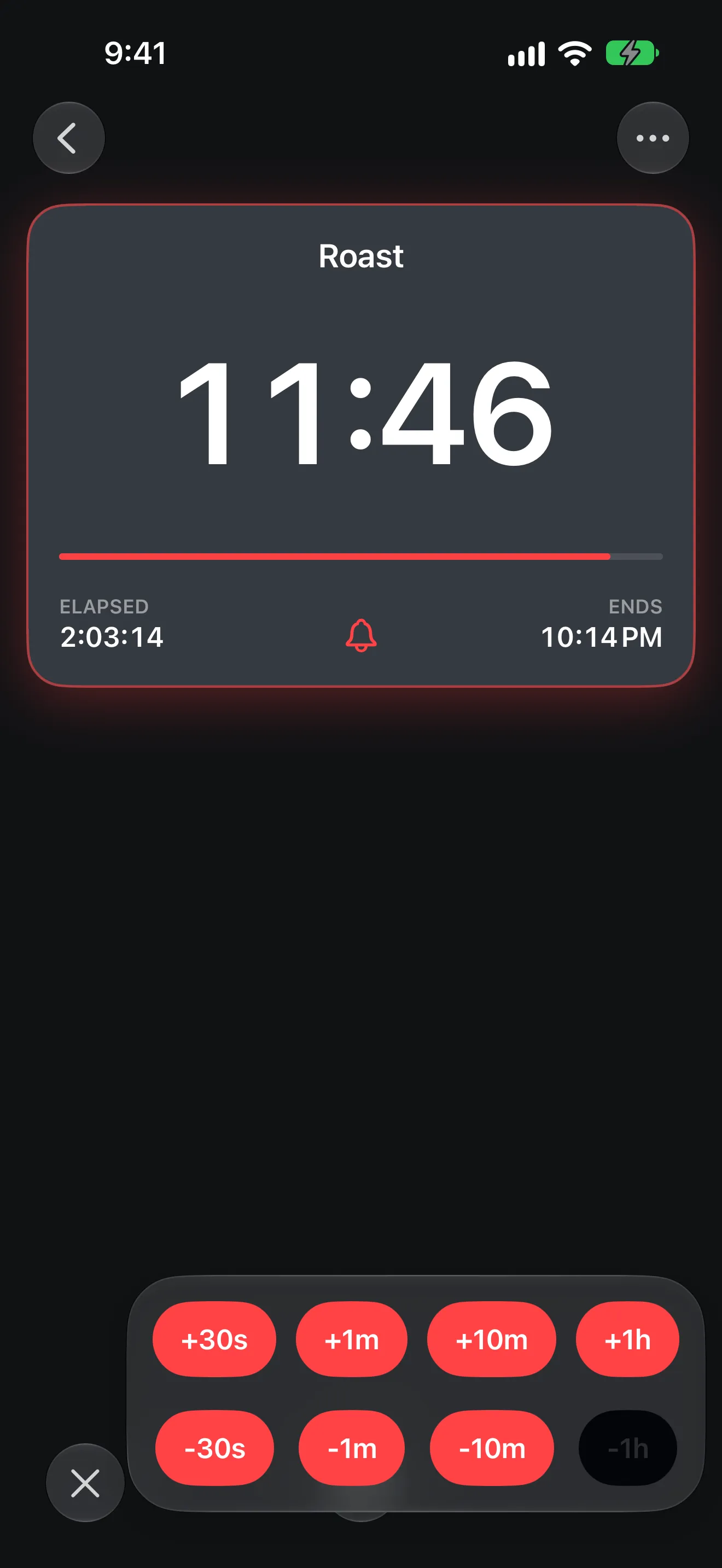
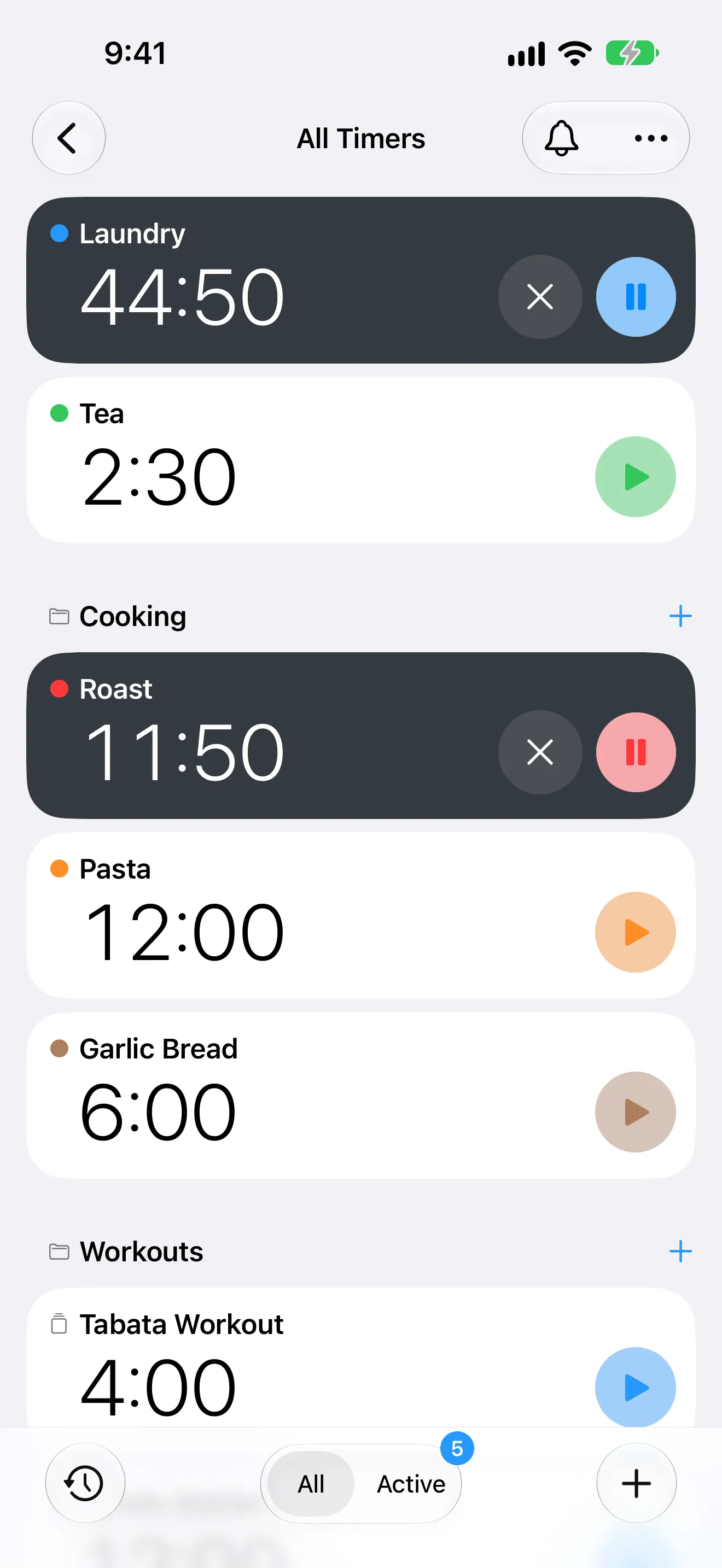
Run multiple countdowns at once, then add or remove time while they are active.
iPhone · iPad · Apple Watch
Run multiple timers and stopwatches, build multi-segment workout intervals, count down to events, and keep everything visible on your Home Screen, Lock Screen, and Apple Watch — all in one app.
For workouts, cooking, focus sessions, and all-day countdowns.
A clean interface for everyday timing that opens up into structured interval programming when your workouts and routines need it.
Explore the timer modes
Run multiple countdowns at once, then add or remove time while they are active.
Track elapsed sessions with the same labeling and customization controls used by timers.
Count down to events and deadlines, or track time elapsed since a past moment.
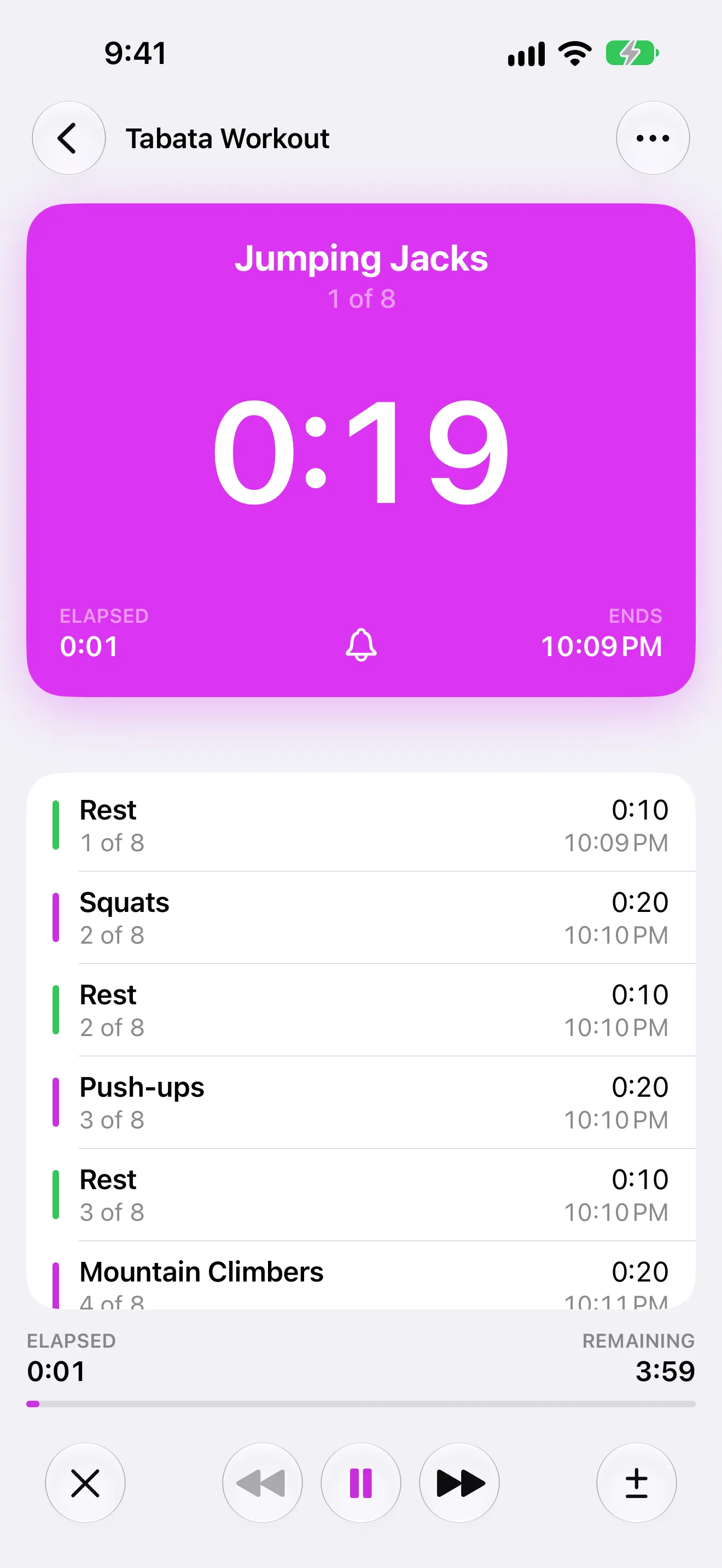
Build advanced timers with warmups, intervals, rounds, and cooldown blocks.
Timer+ covers quick countdowns, elapsed-time tracking, date-based timers for events and deadlines, and structured interval programming in one app.
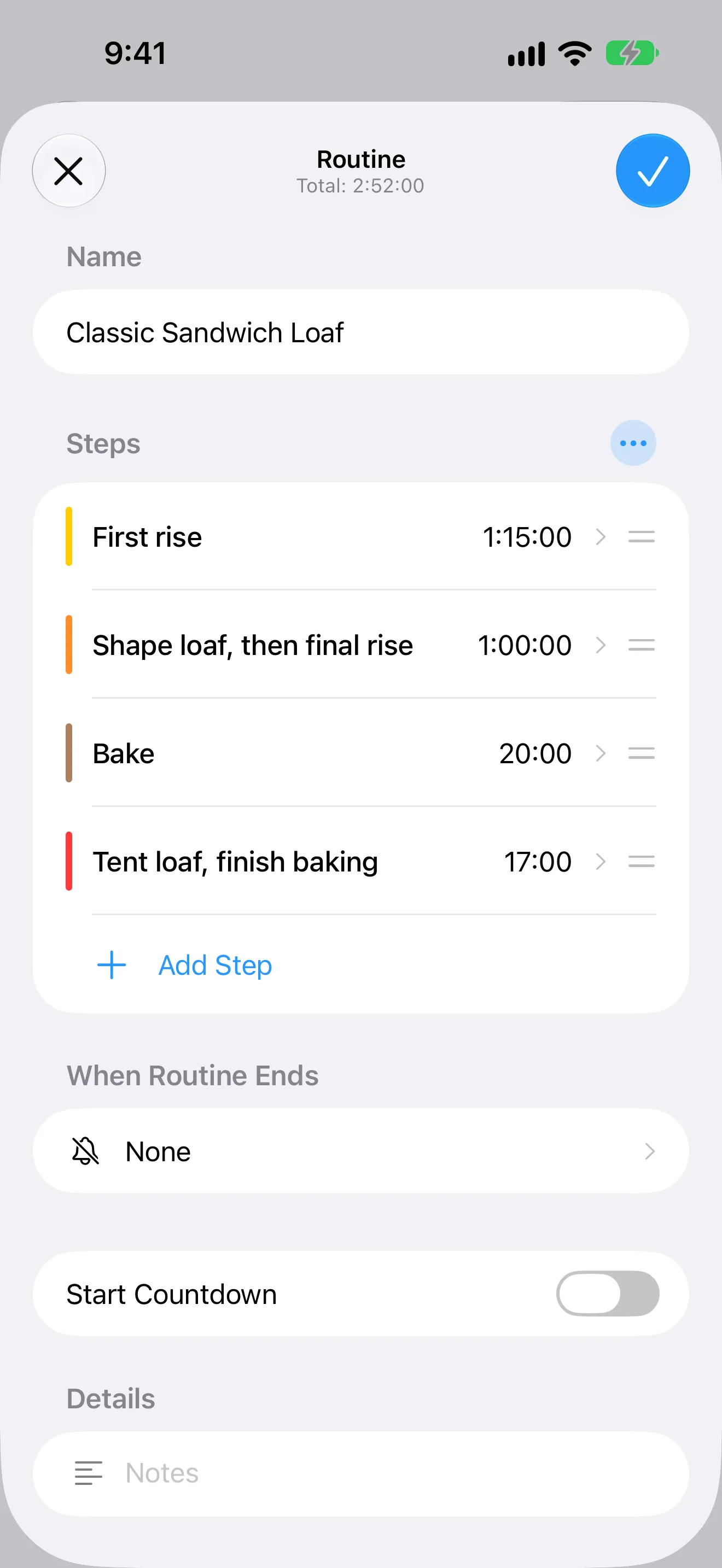
Build timers with pre-start, warmup, work, rest, repeat rounds, and cooldown so complex flows stay easy to run.
Choose from 31 alert sounds, enable voice announcements, and fine-tune how transitions behave while your timer is running.
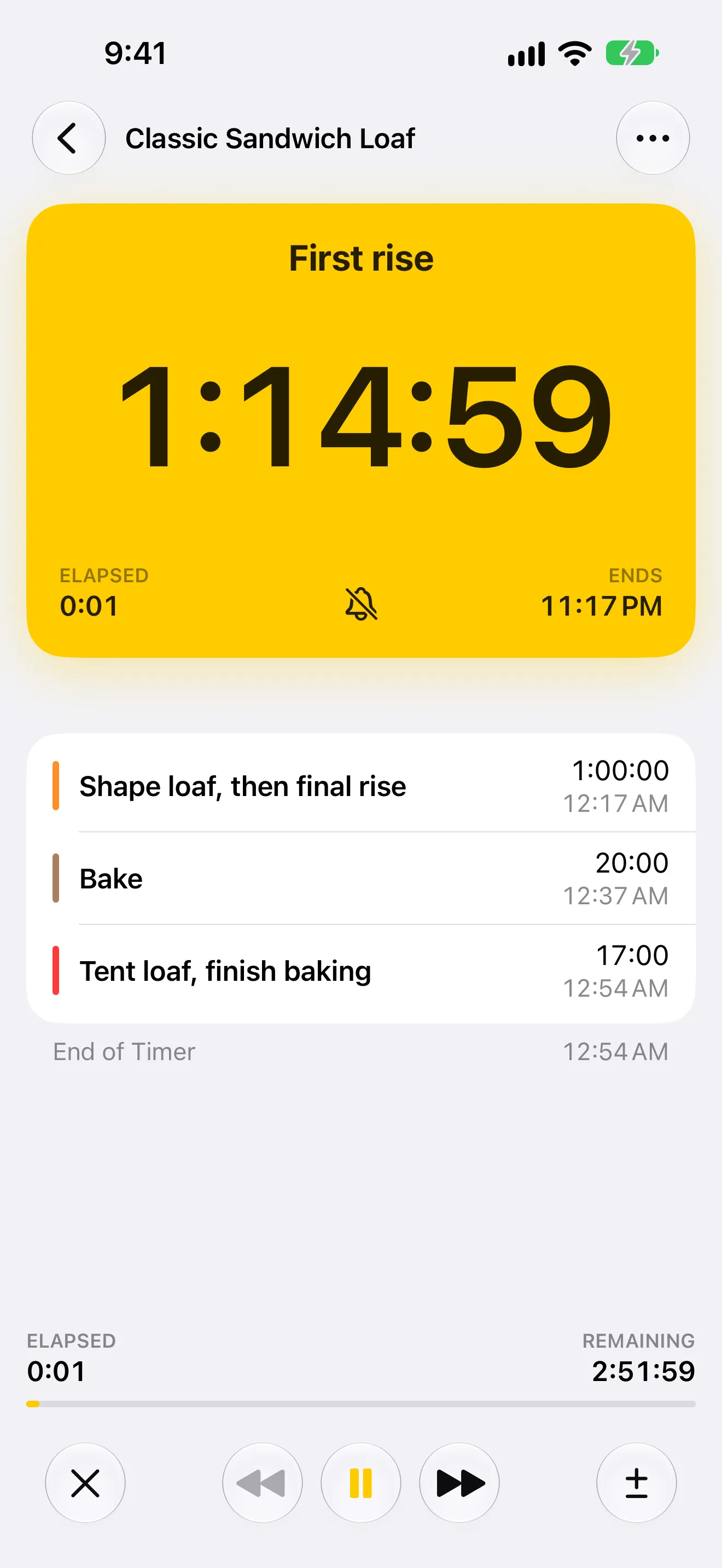
Keep timers visible from Home Screen widgets, the Lock Screen, Dynamic Island, and Apple Watch so you can follow progress without opening the app.
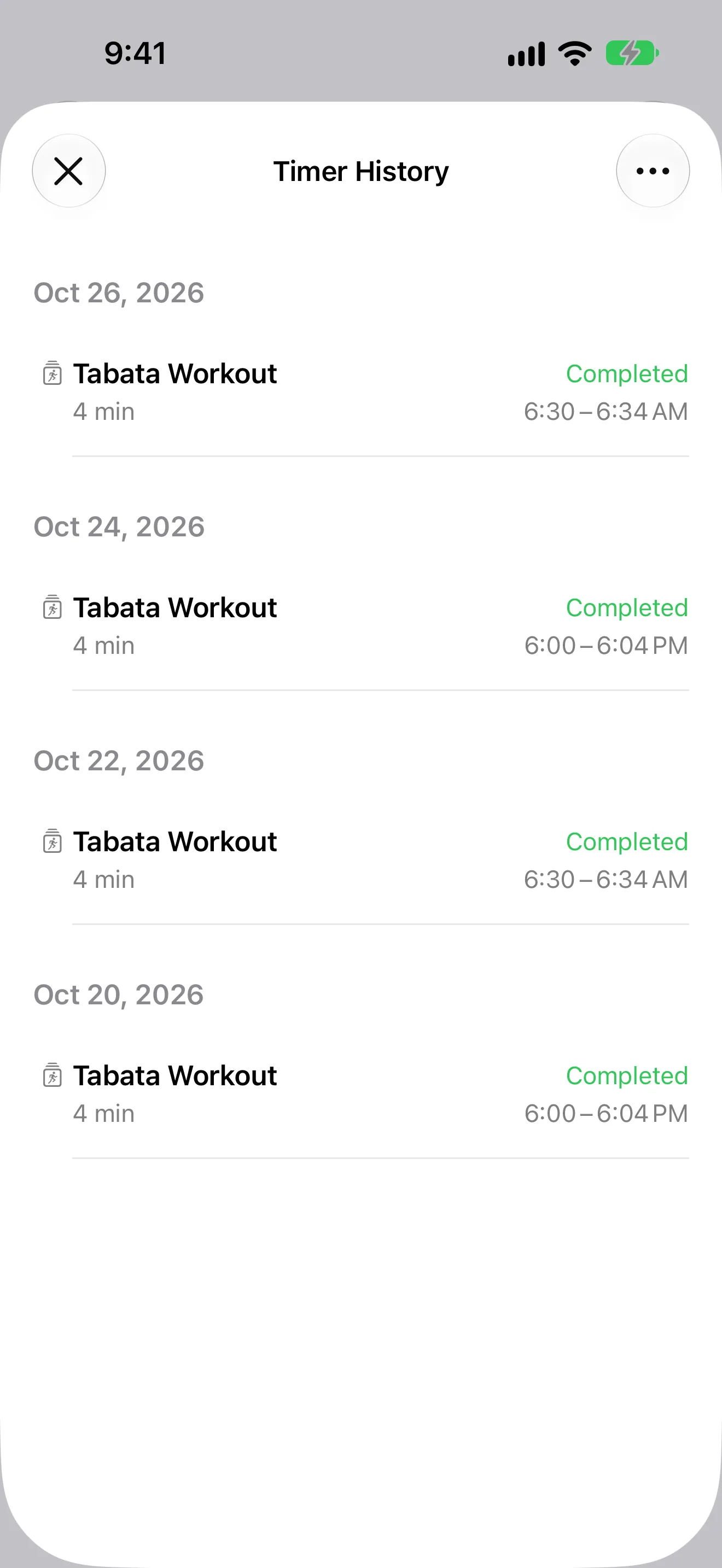
Review completed runs, repeat proven timer setups, and refine the routines that work best for workouts, cooking, and focus sessions.
From workouts and weeknight dinners to lab work and cross-country rides, Timer+ keeps all kinds of routines moving.
“I went through like 15 apps before finally finding this one that does exactly what I need. Allows you to fully customise every segment of the timer.”
“Really good as a simple reminder app as it can sound once and then stop. You can leave it next to you in the gym and pick up your weights when it makes a sound. Clean UI, displays on lock screen, and unlike Apple’s clock app, it will sound if you are using the phone at the time.”
“I've been using this timer for a long time, 10+ years. It's the best one out and the updates improve it's function so much it's not worth it to look for a better app because this is the best.”
“I’m a college student working in a university lab and some of my lab processes must be timed. This app is perfect for creating multiple timers. I like how it lets you name your timers too!!!”
“A timer count down I can set for 50hours is perfect for timing long distance motorcycle rides across time zones !”
“Perfect for multiple cooking timers along with the ability to label the timers. Ideal for basic kitchen cooking timers”
Free browser tool
Set custom work and rest intervals, name every exercise, and run the workout in your browser. No account or download is required.
CrossFit Timer for iPhone
Free CrossFit timer app for iPhone with EMOM, AMRAP, Tabata, round names, voice cues, and workout history. Built for serious interval training.
Read the guideEMOM Timer for iPhone
Free EMOM timer app for iPhone with custom intervals, round names, transition alerts, and run history. Built for functional fitness and conditioning.
Read the guideHIIT Timer for iPhone
HIIT timer app for iPhone with custom work/rest intervals, Tabata support, repeat rounds, and segment controls. Build simple to advanced workouts in Timer+.
Read the guidePomodoro Timer for iPhone
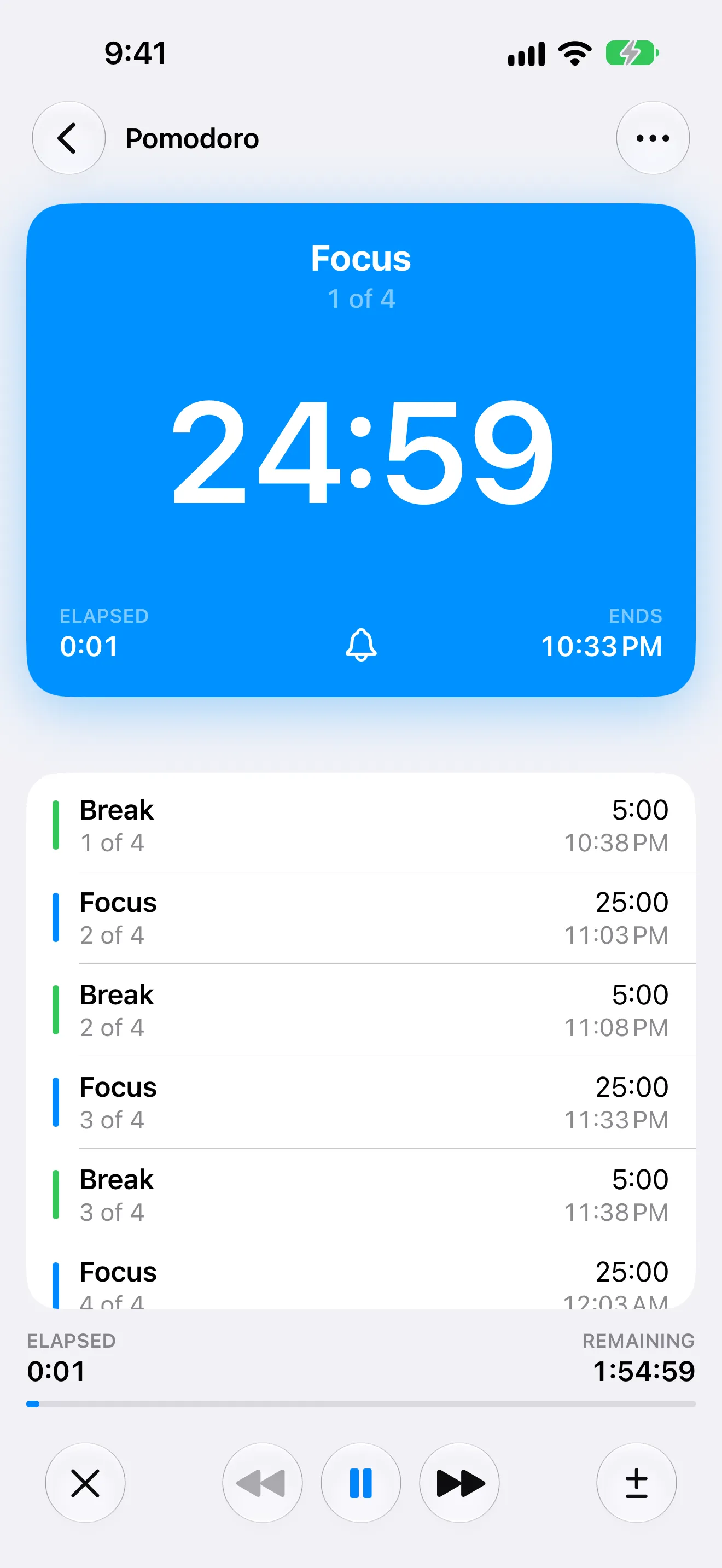
Pomodoro timer app for iPhone with custom focus sessions, break cycles, repeat rounds, and voice transitions. Build your ideal productivity timer in Timer+.
Read the guideTabata Timer for iPhone
Free Tabata timer app for iPhone with 20/10 intervals, custom work/rest ratios, round repeats, and voice transition cues.
Read the guideChoose focused, calm, or loud alerts, then announce segment names and what is coming next.
Go beyond the built-in 24-hour limit and keep active timers visible from iPhone, iPad, Apple Watch, Home Screen widgets, and Lock Screen live state.
Save custom timer structures for workouts, cooking, studying, and recurring daily routines.
Review completed runs to repeat successful timing structures without rebuilding them.
Good to know
Timer+ supports timers longer than 24 hours, multiple active timers, Home Screen widgets, multi-segment interval building, reusable templates, and advanced controls like add/remove time while running.
No. Timer+ is used for fitness, cooking, Pomodoro focus sessions, event countdowns, and any workflow that needs more than a single basic timer.
Yes. Timer+ is designed for iOS devices including Apple Watch support and widget-friendly status views.
Yes. You can combine warmup, work, interval rest, repeat rounds, and cooldown sections in one timer.