Countdown Timers
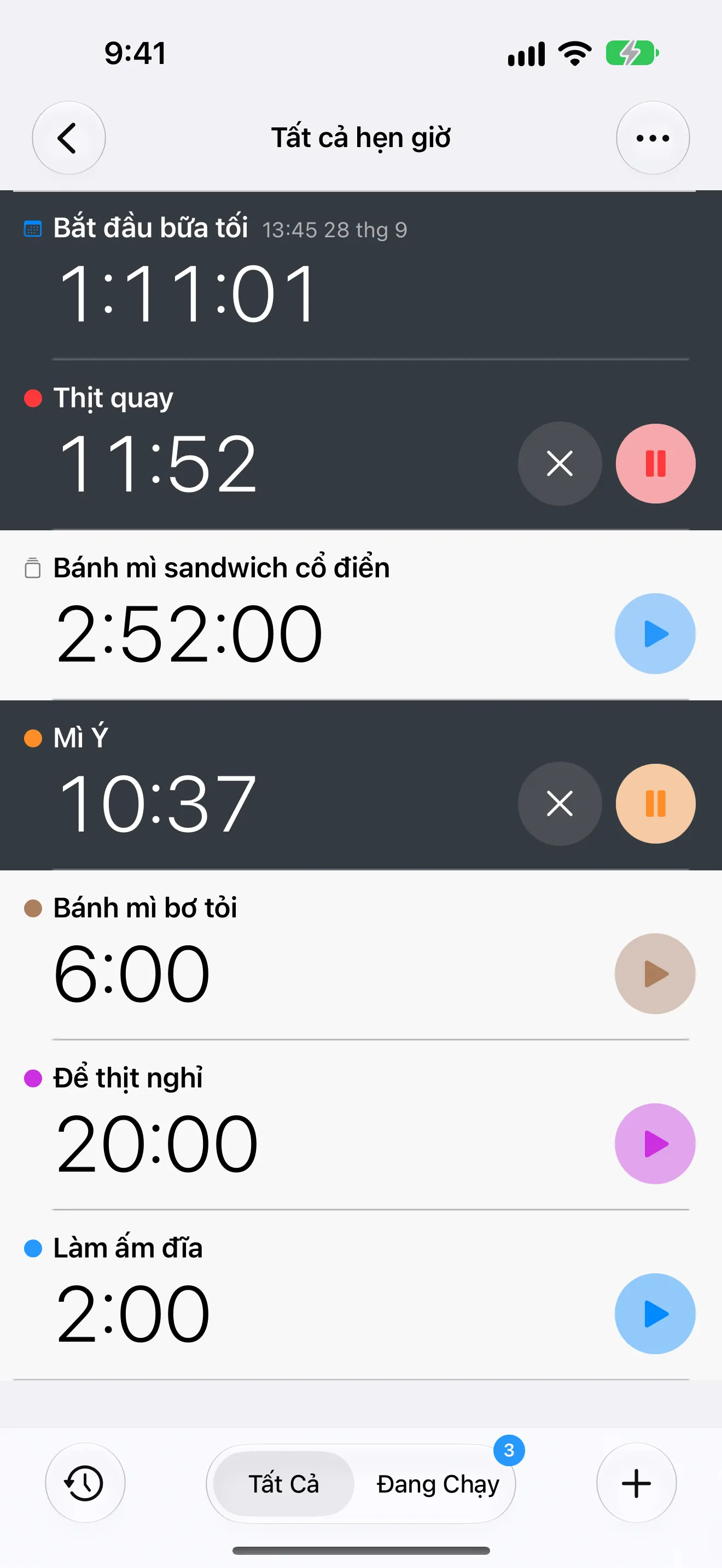
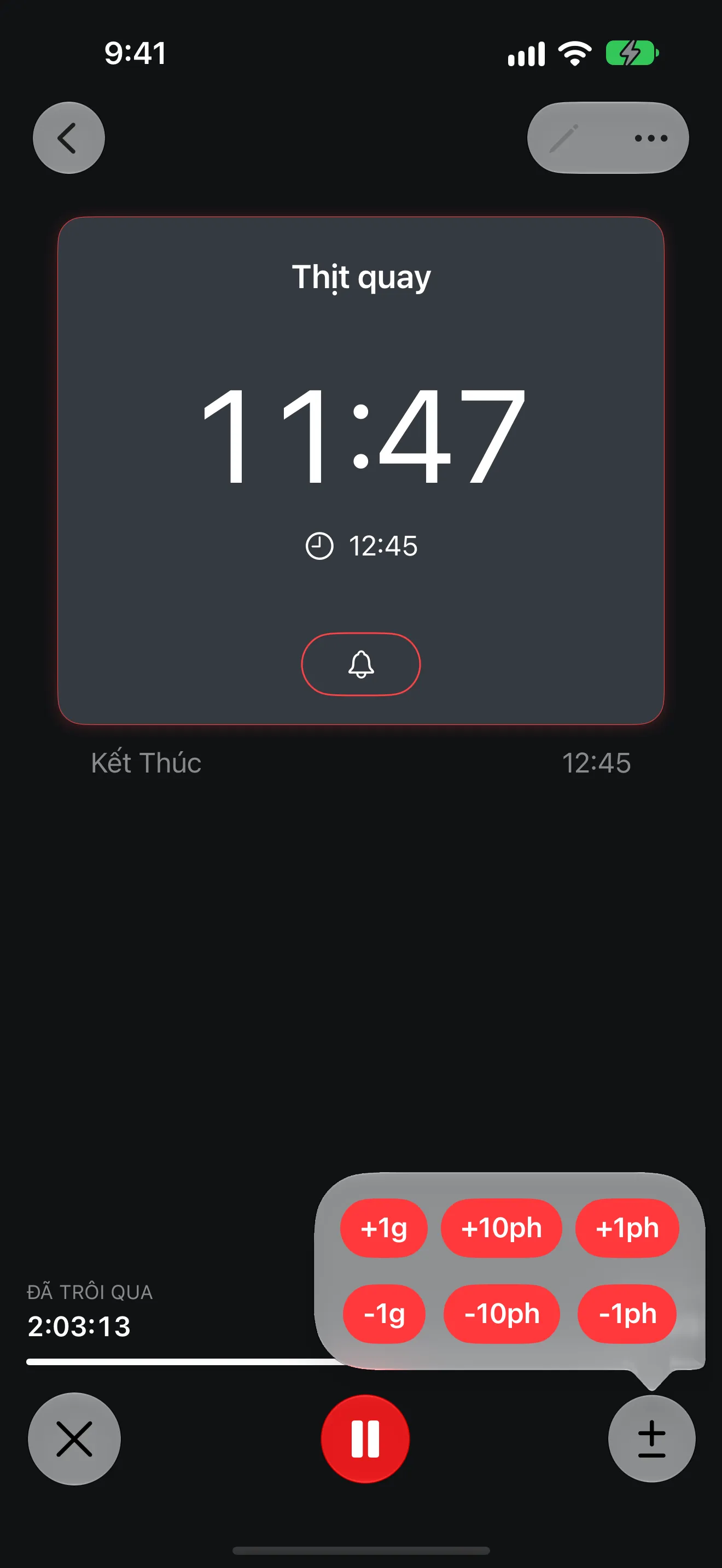
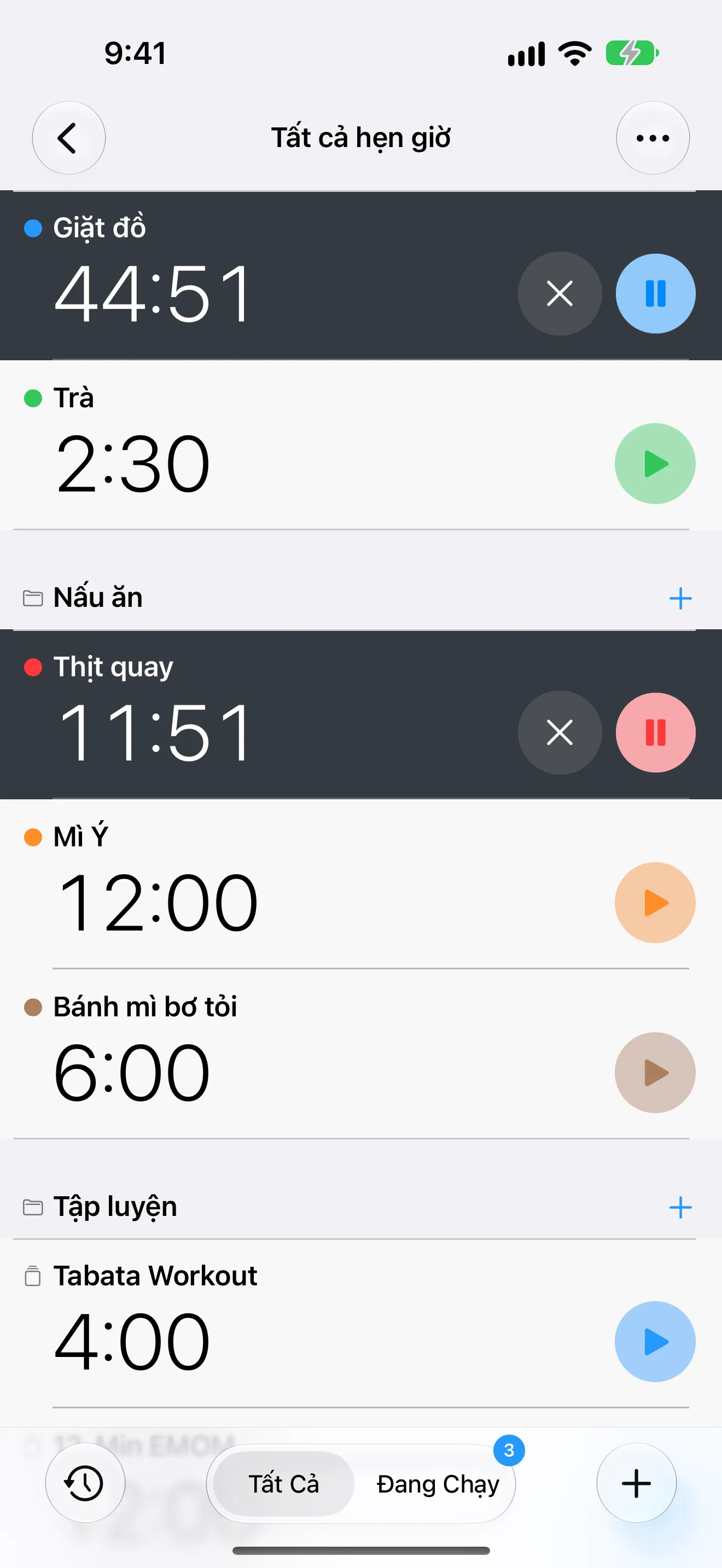
Run multiple countdowns at once, then add or remove time while they are active.
Timer+ for iPhone, iPad, and Apple Watch
Timer+ scales from quick one-tap countdowns to long-running timers beyond 24 hours, multi-segment training timers, Home Screen widgets, and run history. Whether you need a kitchen timer, an all-day countdown, or a full CrossFit timing system, it is all in one app.
Run multiple countdowns at once, then add or remove time while they are active.
Track elapsed sessions with the same labeling and customization controls used by timers.
Count down to events and deadlines, or track time elapsed since a past moment.
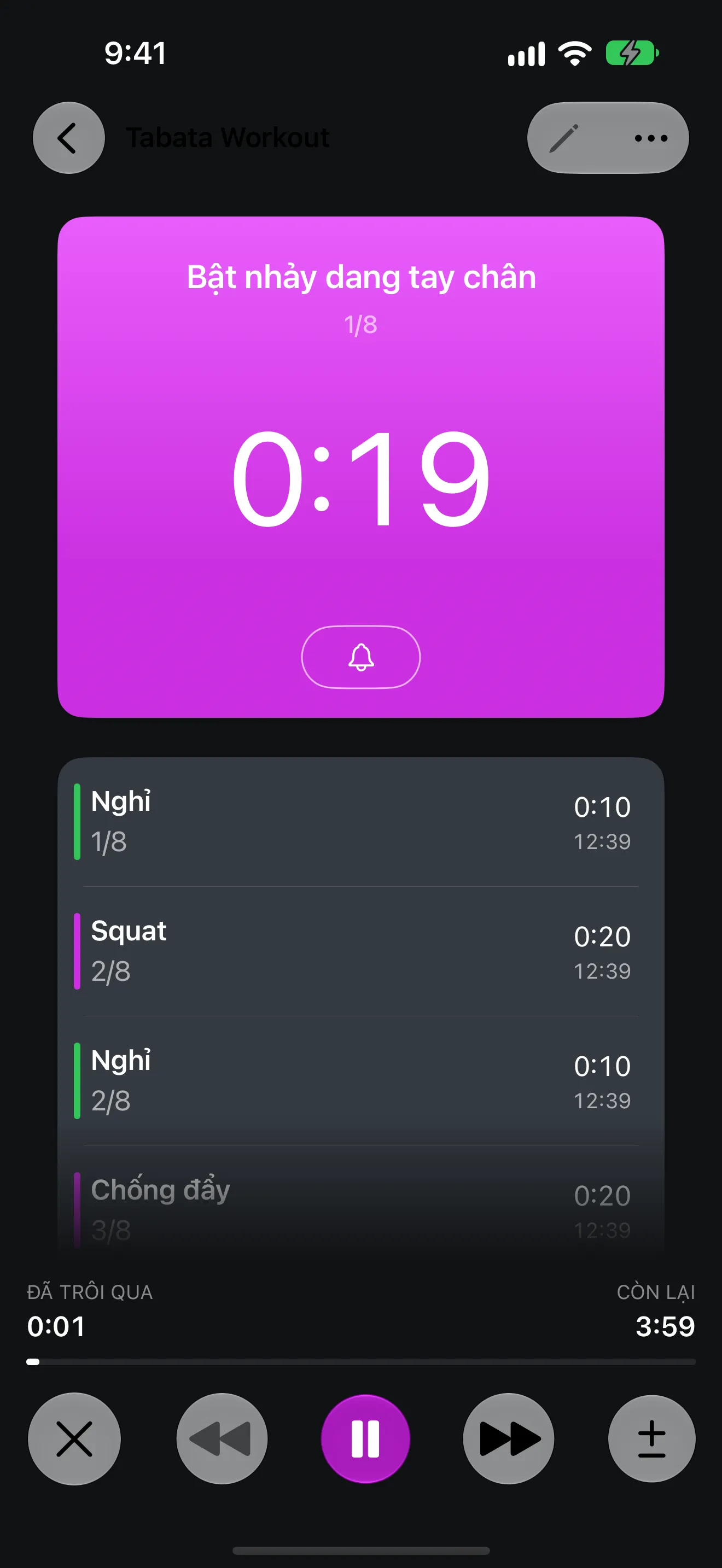
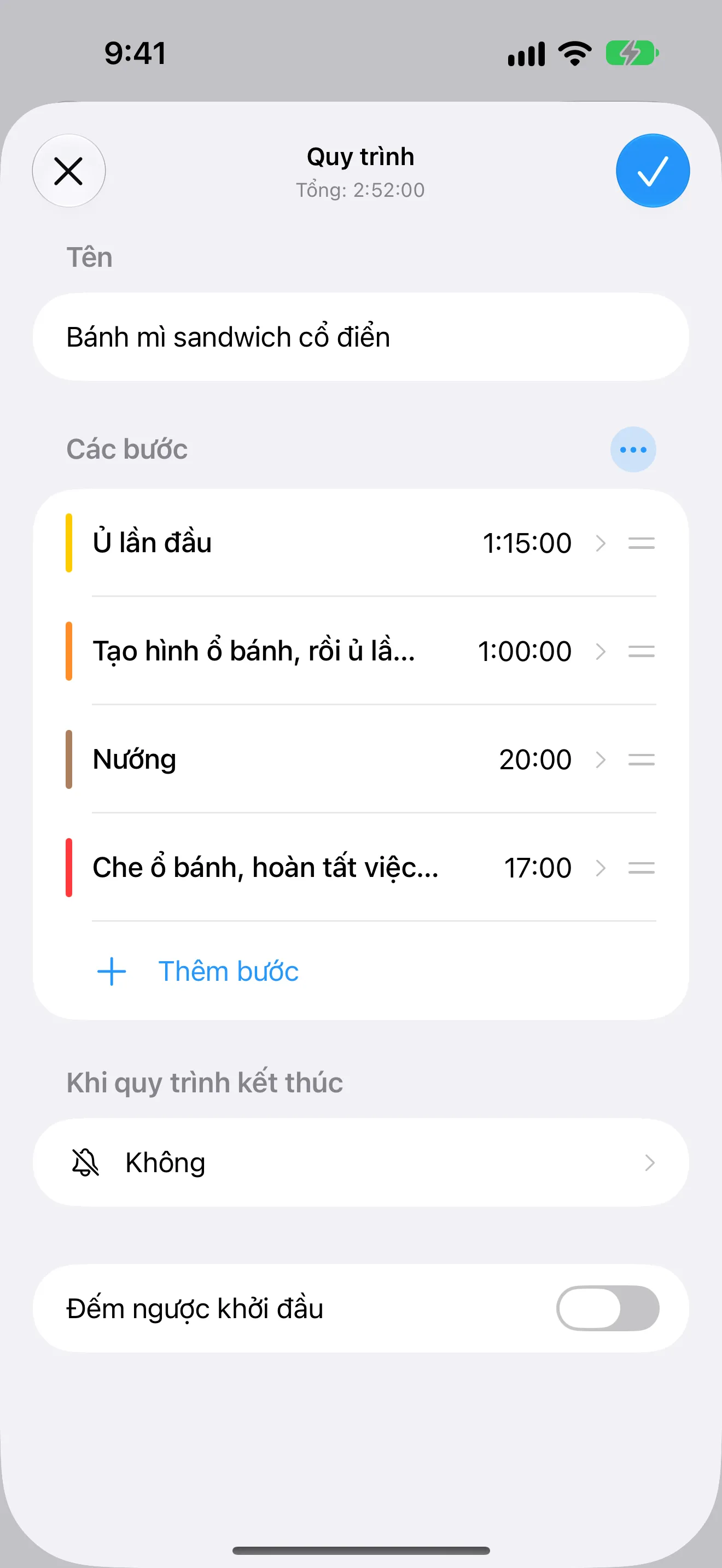
Build advanced timers with warmups, intervals, rounds, and cooldown blocks.
Timer+ covers quick countdowns, elapsed-time tracking, date-based timers for events and deadlines, and structured interval programming in one app.
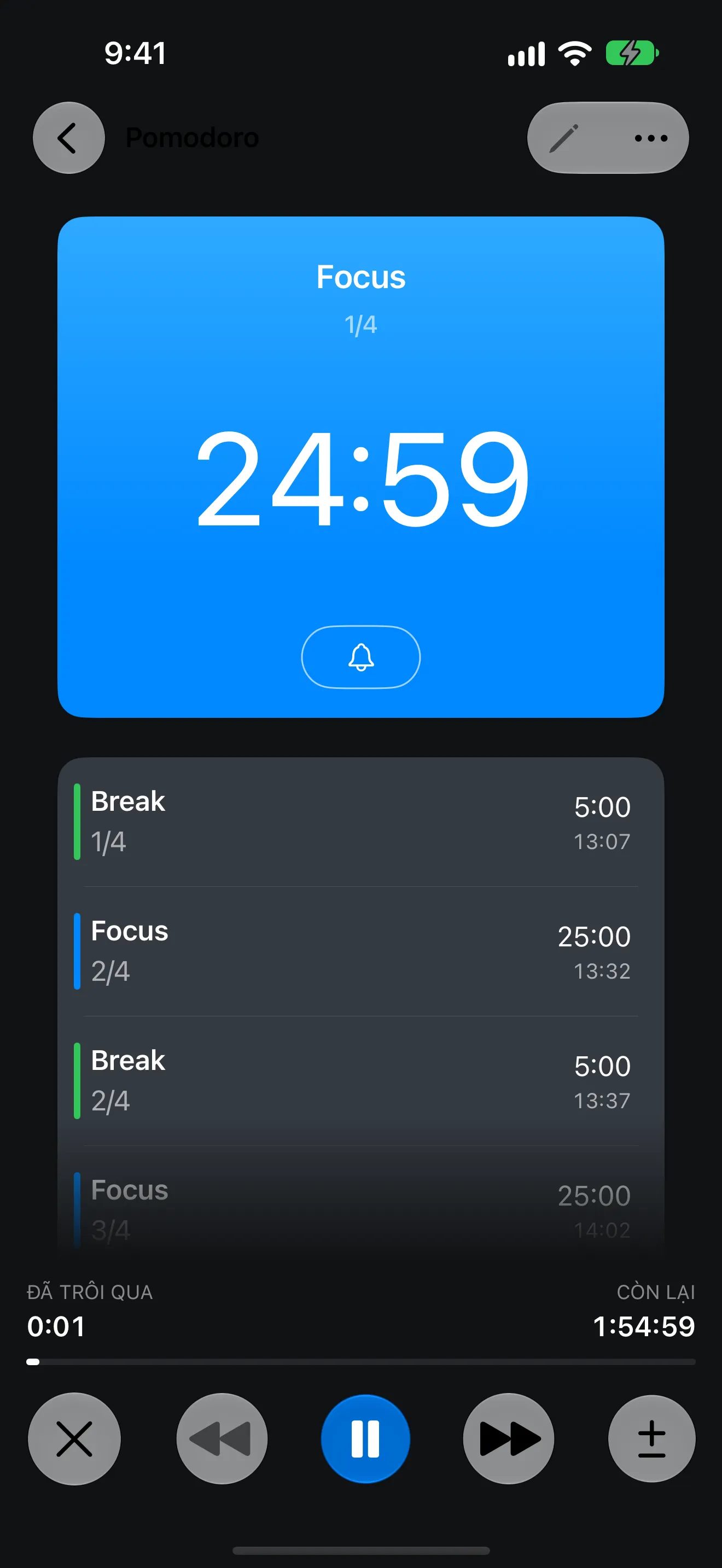
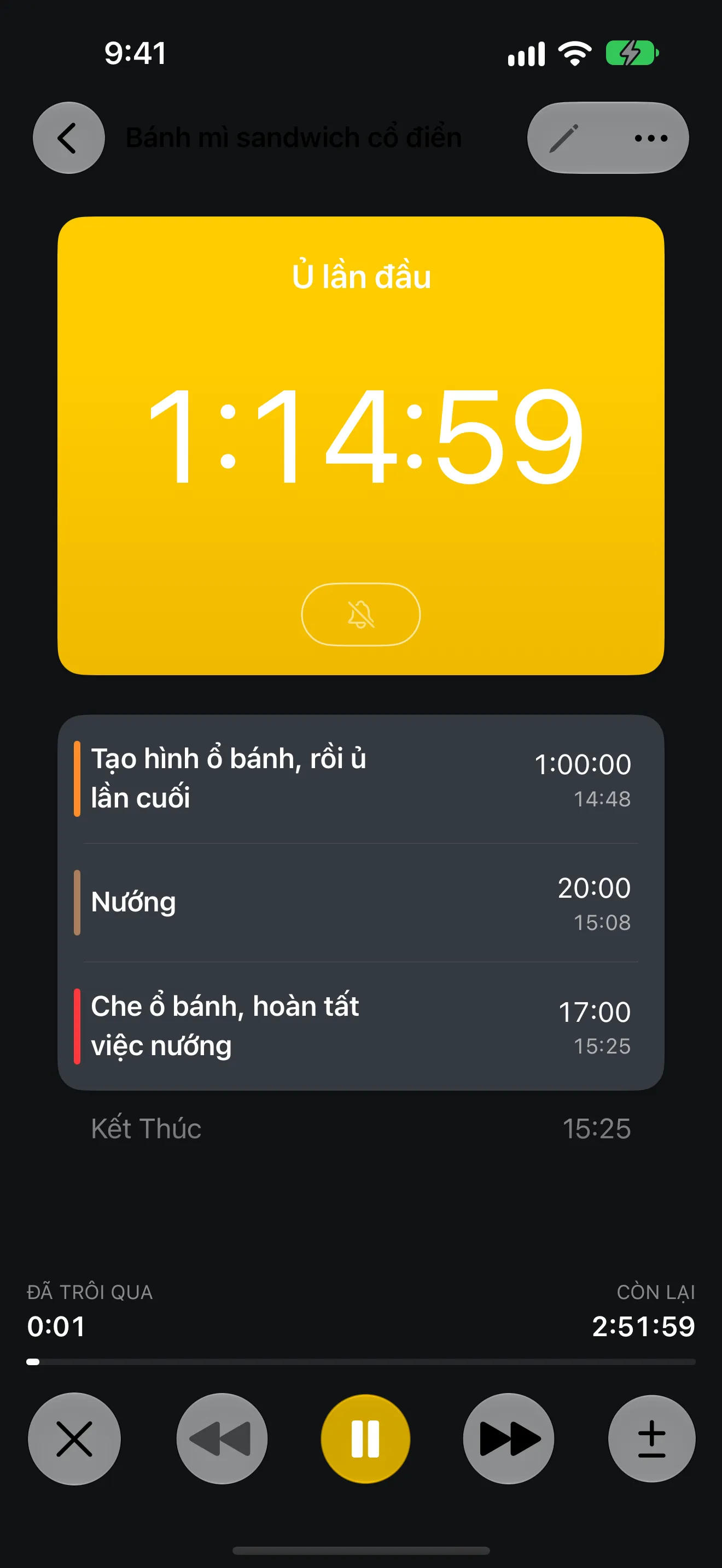
Build timers with pre-start, warmup, work, rest, repeat rounds, and cooldown so complex flows stay easy to run.
Choose from 31 alert sounds, enable voice announcements, and fine-tune how transitions behave while your timer is running.
Keep timers visible from Home Screen widgets, the Lock Screen, Dynamic Island, and Apple Watch so you can follow progress without opening the app.
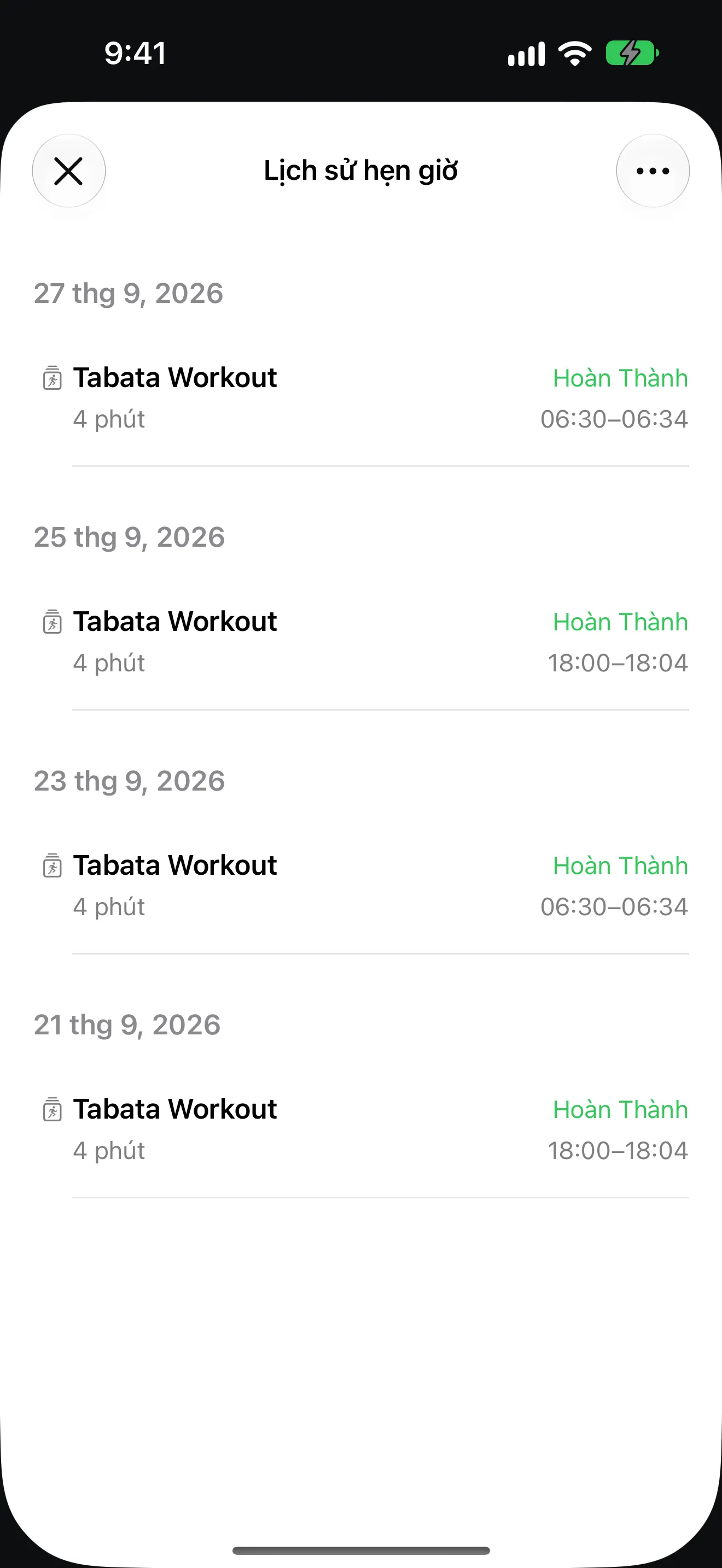
Review completed runs, repeat proven timer setups, and refine the routines that work best for workouts, cooking, and focus sessions.
Hẹn Giờ CrossFit
Ứng dụng Hẹn Giờ CrossFit cho iPhone với interval tùy chỉnh, vòng, lời nhắc, mẫu đã lưu, lịch sử và hỗ trợ Apple Watch.
Hẹn Giờ EMOM
Ứng dụng Hẹn Giờ EMOM cho iPhone với interval tùy chỉnh, vòng, lời nhắc, mẫu đã lưu, lịch sử và hỗ trợ Apple Watch.
Hẹn Giờ HIIT
Ứng dụng Hẹn Giờ HIIT cho iPhone với interval tùy chỉnh, vòng, lời nhắc, mẫu đã lưu, lịch sử và hỗ trợ Apple Watch.
Hẹn Giờ Pomodoro
Ứng dụng Hẹn Giờ Pomodoro cho iPhone với interval tùy chỉnh, vòng, lời nhắc, mẫu đã lưu, lịch sử và hỗ trợ Apple Watch.
Hẹn Giờ Tabata
Ứng dụng Hẹn Giờ Tabata cho iPhone với interval tùy chỉnh, vòng, lời nhắc, mẫu đã lưu, lịch sử và hỗ trợ Apple Watch.
Choose focused, calm, or loud alerts, then announce segment names and what is coming next.
Go beyond the built-in 24-hour limit and keep active timers visible from iPhone, iPad, Apple Watch, Home Screen widgets, and Lock Screen live state.
Save custom timer structures for workouts, cooking, studying, and recurring daily routines.
Review completed runs to repeat successful timing structures without rebuilding them.
Timer+ supports timers longer than 24 hours, multiple active timers, Home Screen widgets, multi-segment interval building, reusable templates, and advanced controls like add/remove time while running.
No. Timer+ is used for fitness, cooking, Pomodoro focus sessions, event countdowns, and any workflow that needs more than a single basic timer.
Yes. Timer+ is designed for iOS devices including Apple Watch support and widget-friendly status views.
Yes. You can combine warmup, work, interval rest, repeat rounds, and cooldown sections in one timer.
Start with a simple countdown, then graduate to advanced iOS interval timers when you need them. Timer+ is built to stay easy while scaling up.