 Timer+
Custom Focus and Break Lengths
Set exact focus durations, break intervals, and long-break cadence for your personal workflow.
Pomodoro Timer for iPhone
Timer+ gives you Pomodoro structure with more flexibility: custom intervals, repeat cycles, and transition cues that support focused work without friction.
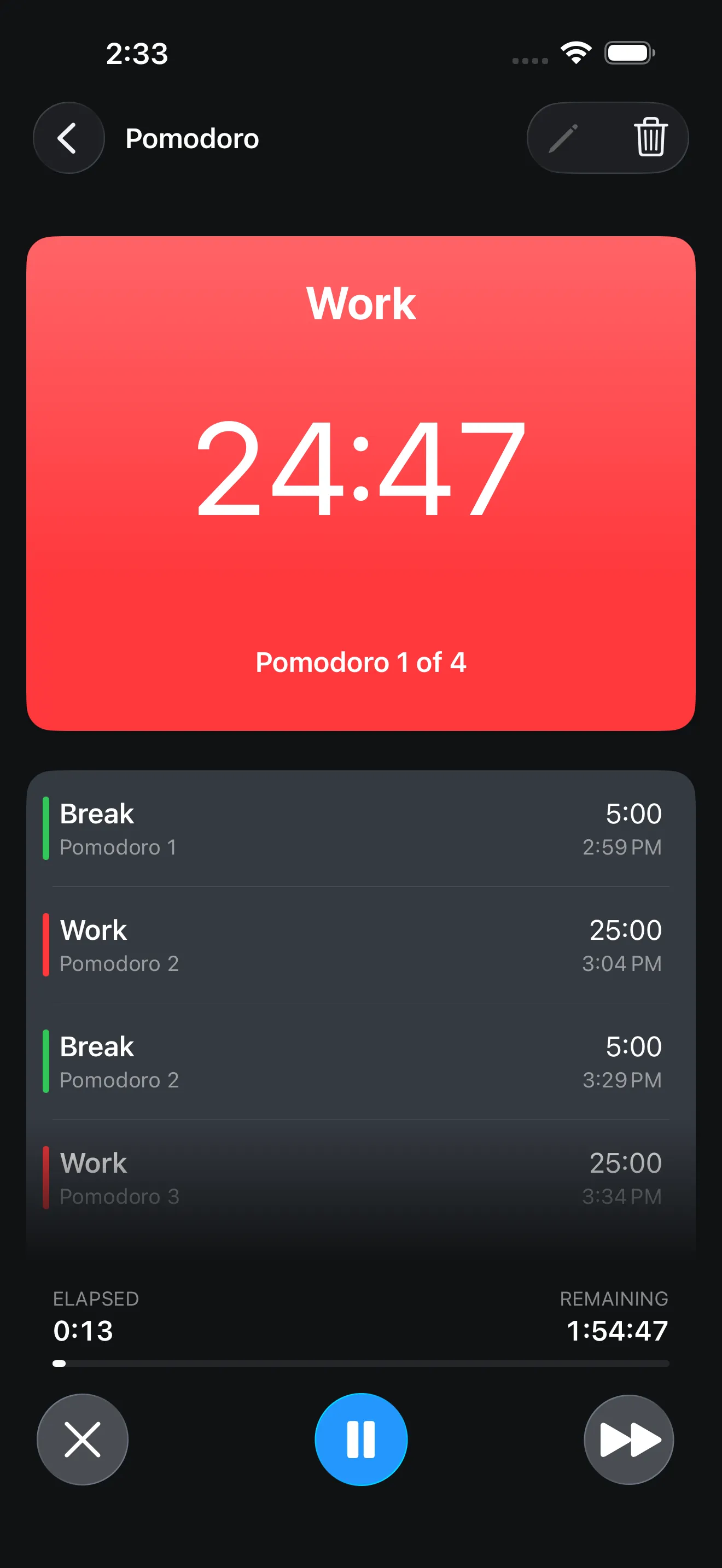
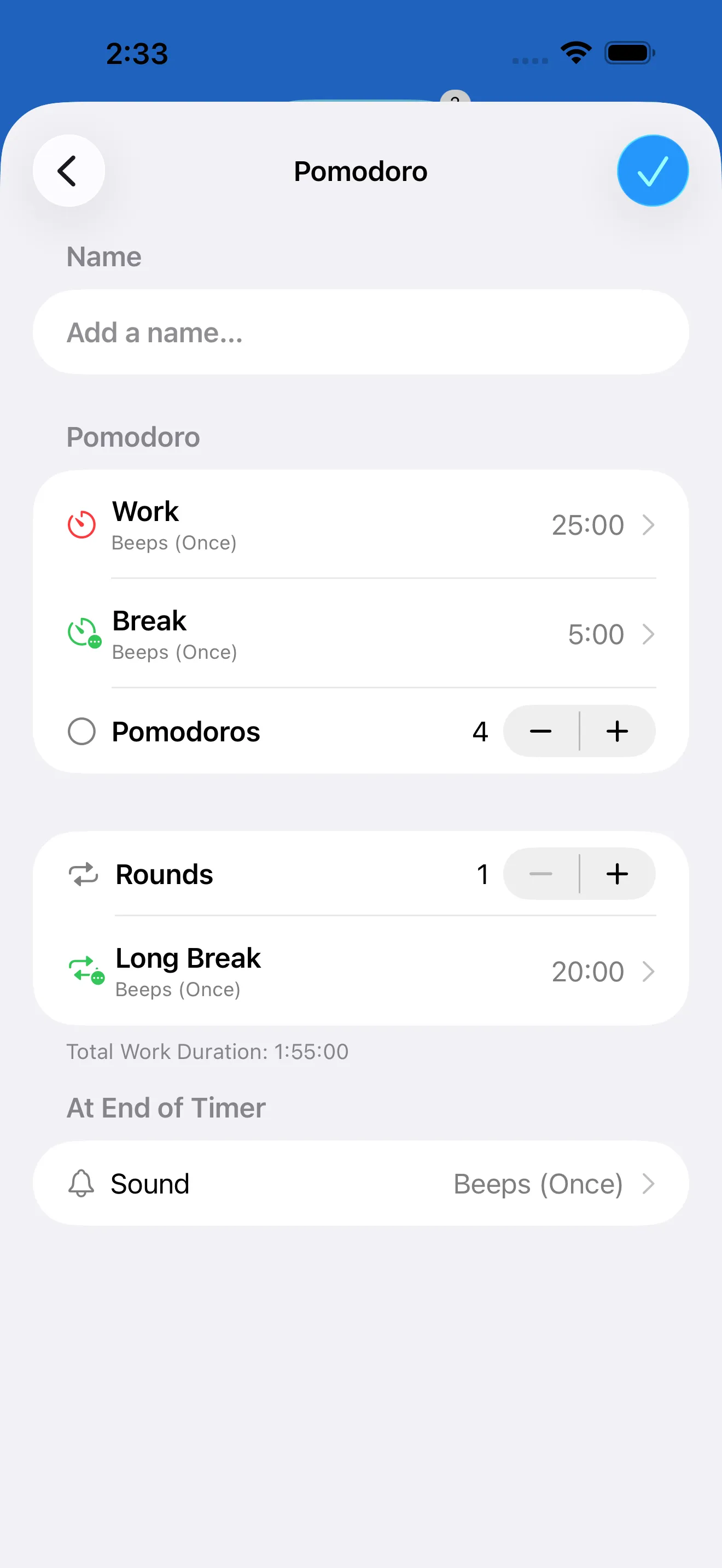
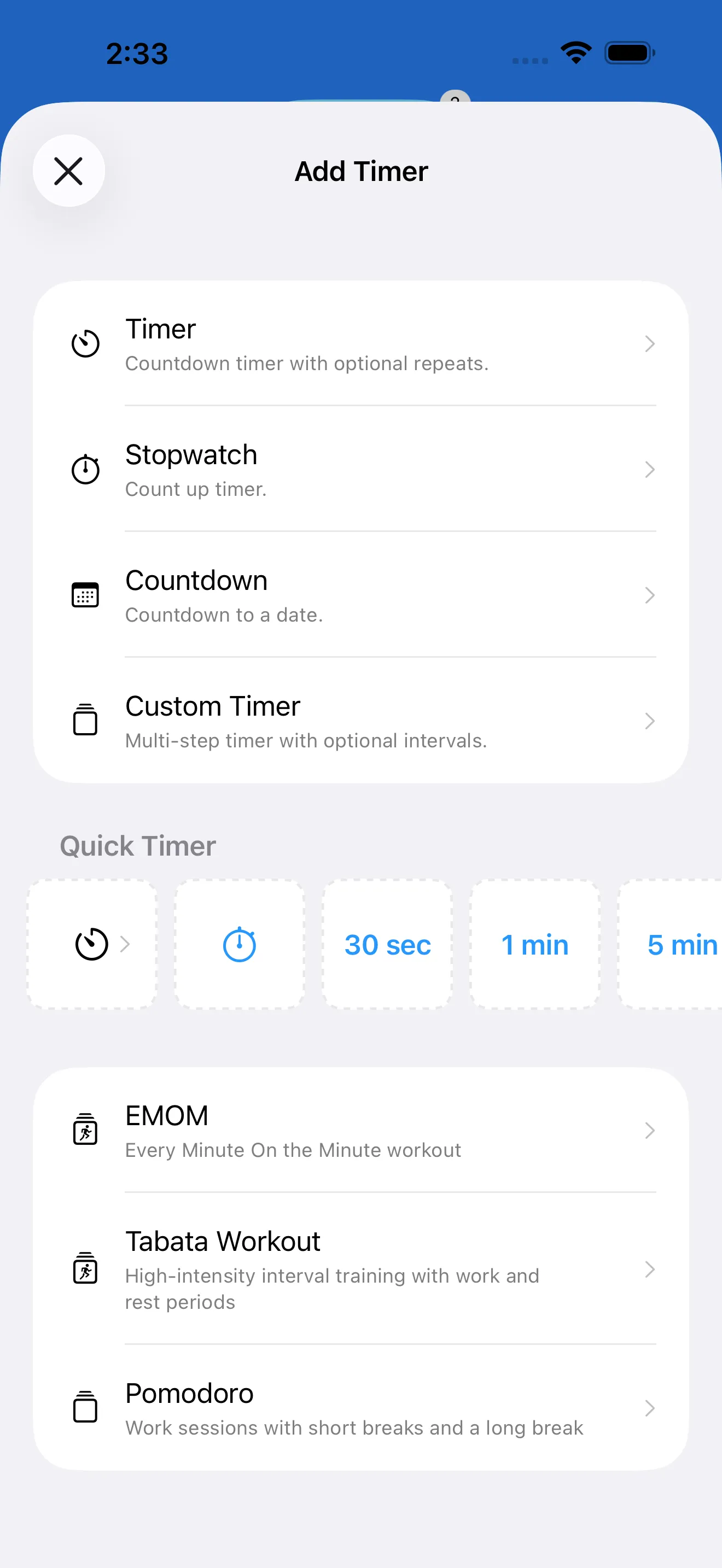
Set exact focus durations, break intervals, and long-break cadence for your personal workflow.
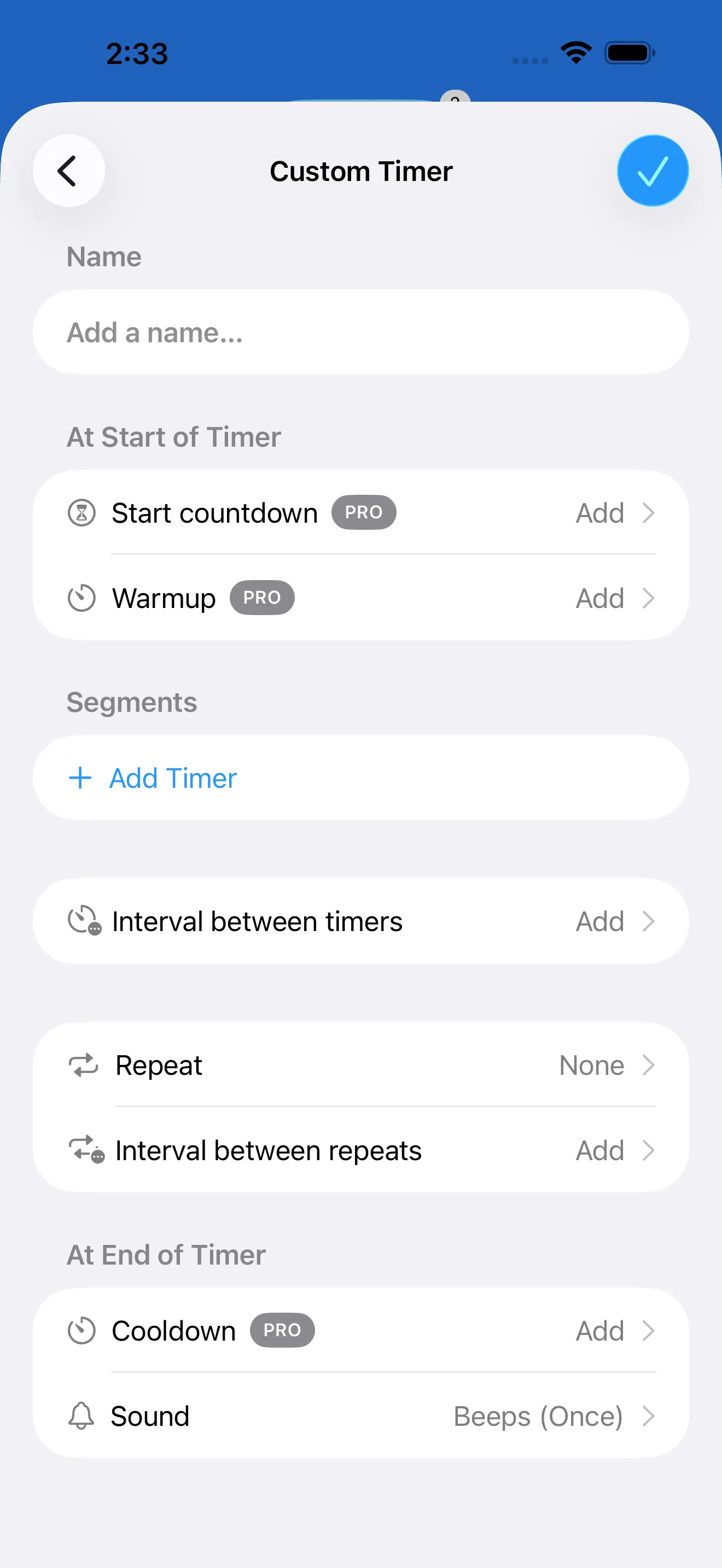
Keep separate templates for quick tasks, deep work blocks, and meeting prep windows.
Use sound and optional voice announcements so you can stay in flow without watching the clock.
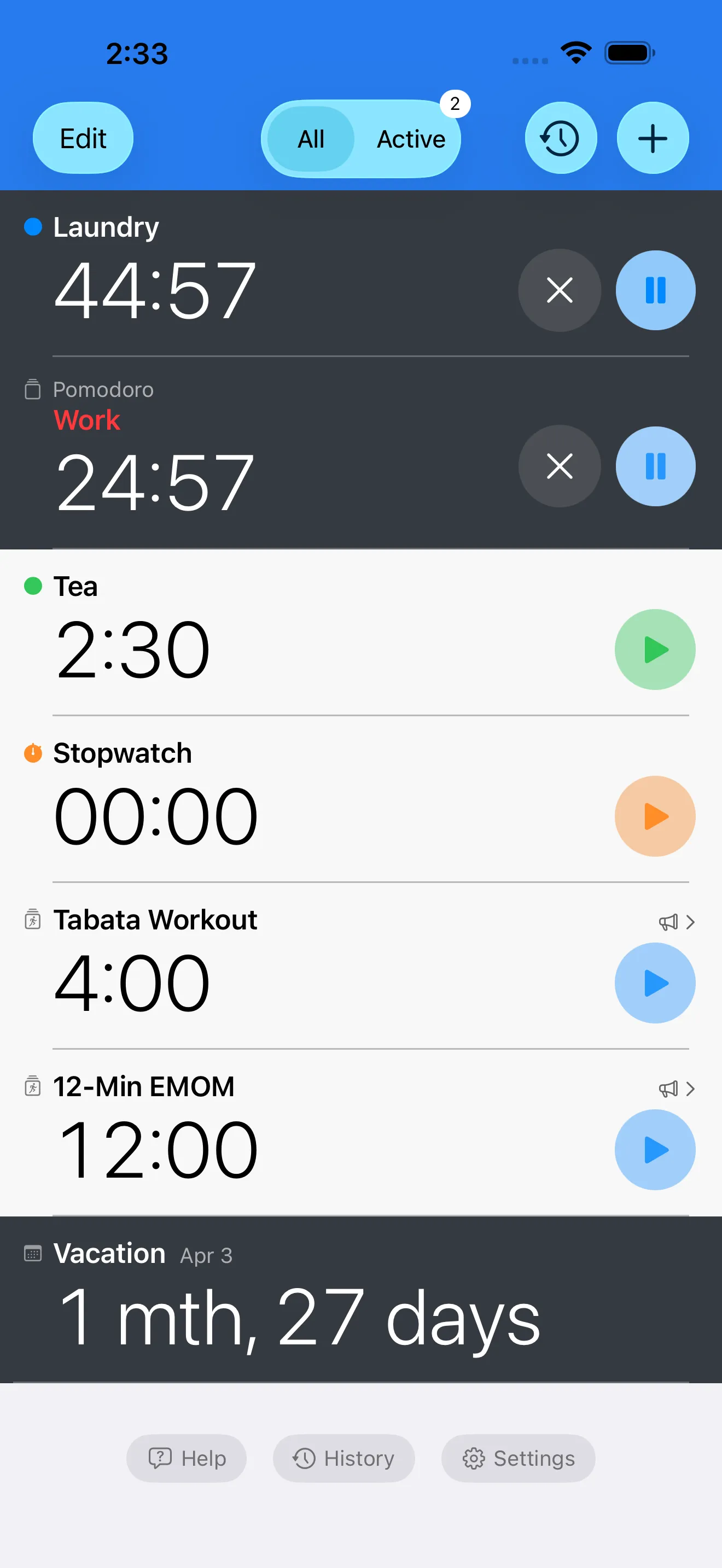
Track your main focus timer while keeping secondary countdowns for breaks or follow-up tasks.
Run your Pomodoro routines on iPhone, iPad, and Apple Watch with the same saved timers.
Manage focus blocks and breaks with a timer that supports repeat sessions, clear alerts, and progress tracking.

Yes. Timer+ includes Pomodoro-friendly setup and you can change work and break durations anytime.
Yes. Use segment and repeat controls to schedule short breaks and longer recovery blocks after multiple rounds.
Yes. Sound and voice cues notify you when focus sessions end and breaks start.
Yes. Build custom focus timers for study, writing, coding, or any long-form work style.