 Timer+
Program Multi-Segment Workouts
Create warmup, work, rest, and cooldown segments with exact durations and repeat logic.
CrossFit Timer for iPhone
Timer+ gives you full control over intervals, rounds, and rest so your CrossFit sessions run exactly on time, every time. It is built for athletes who want simple setup with advanced timing depth.
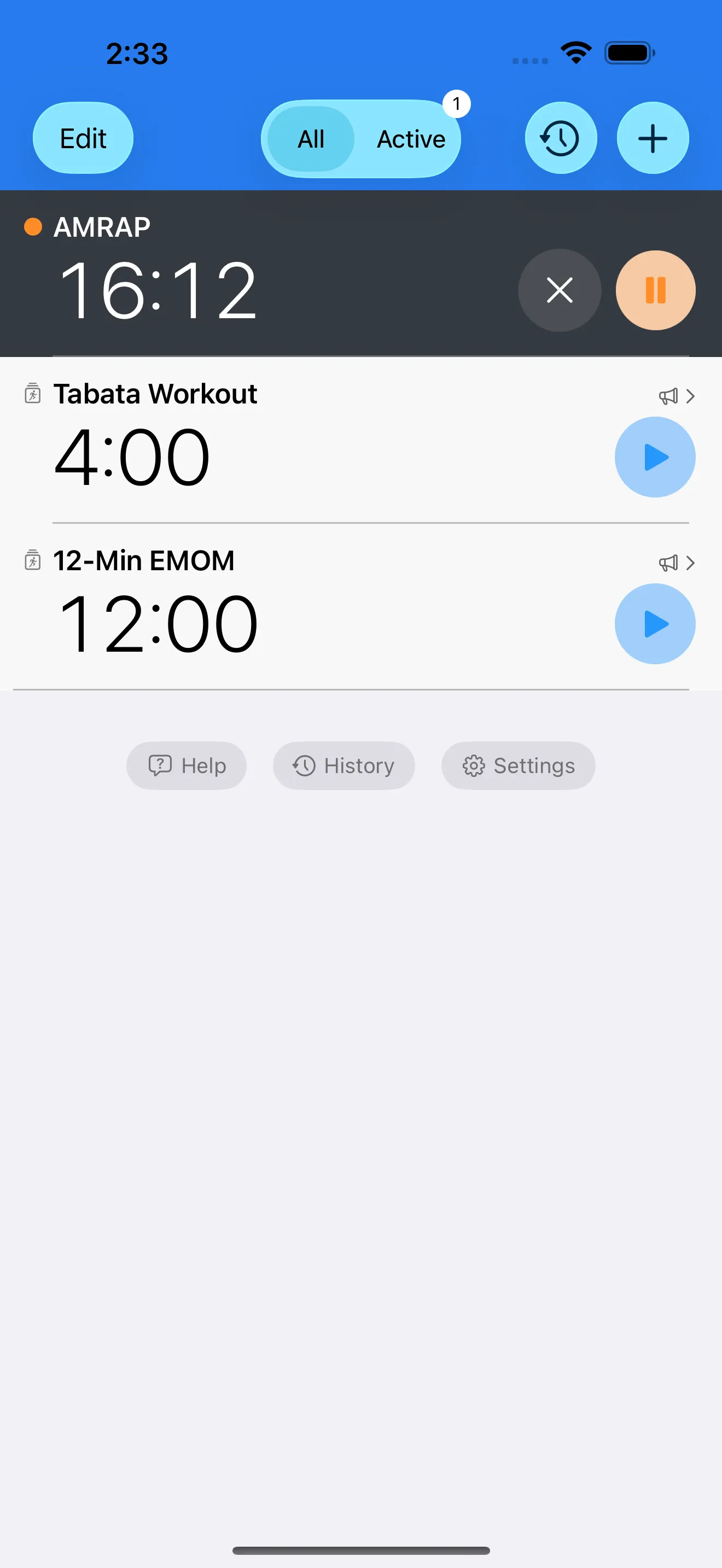
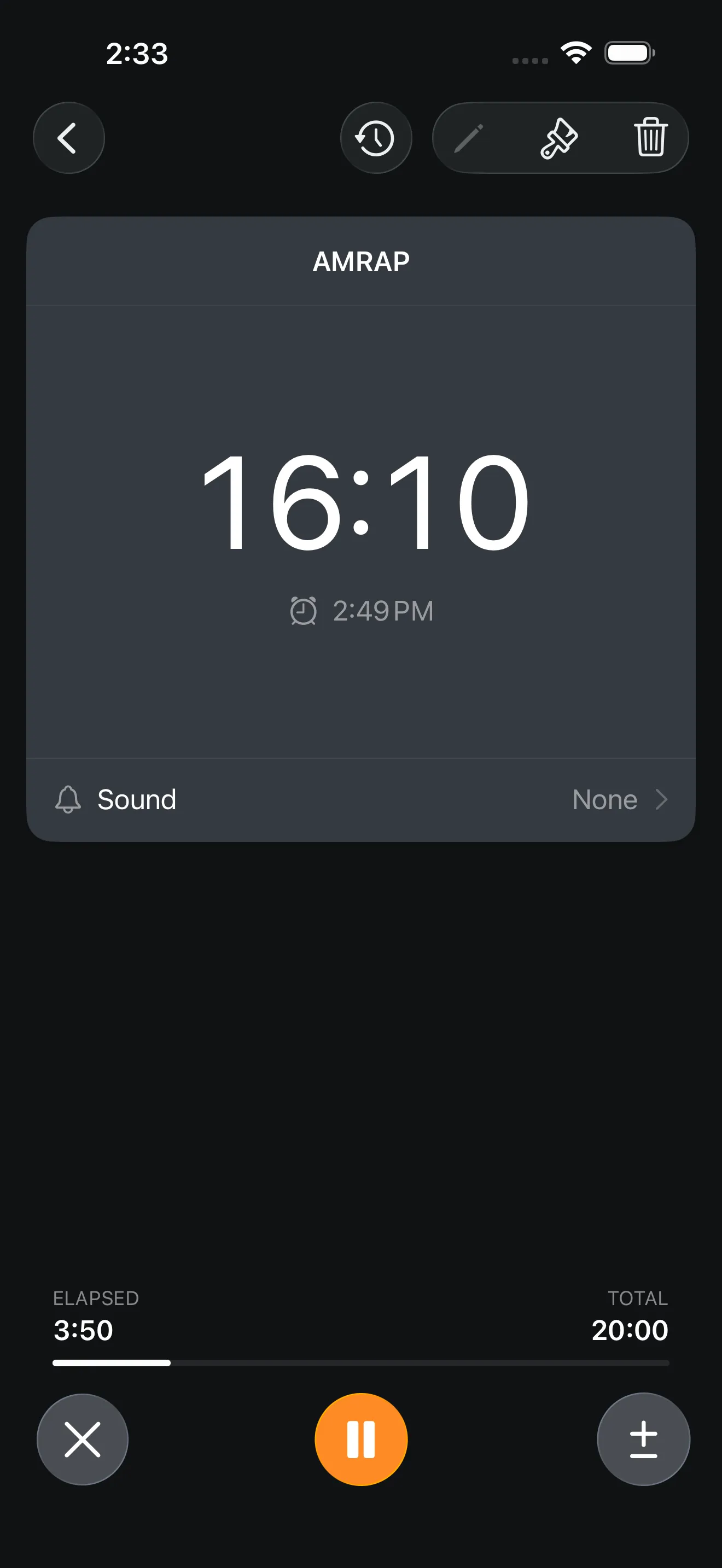
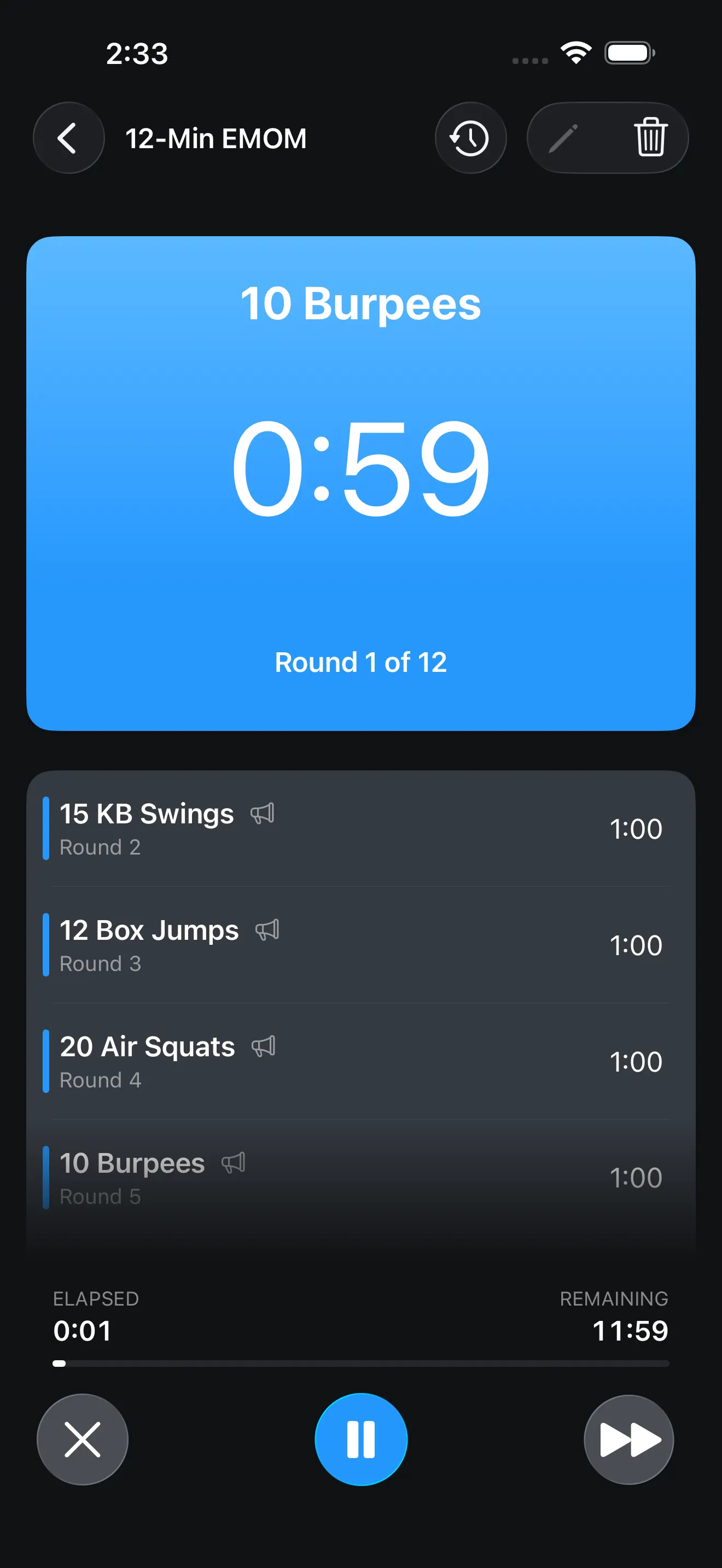
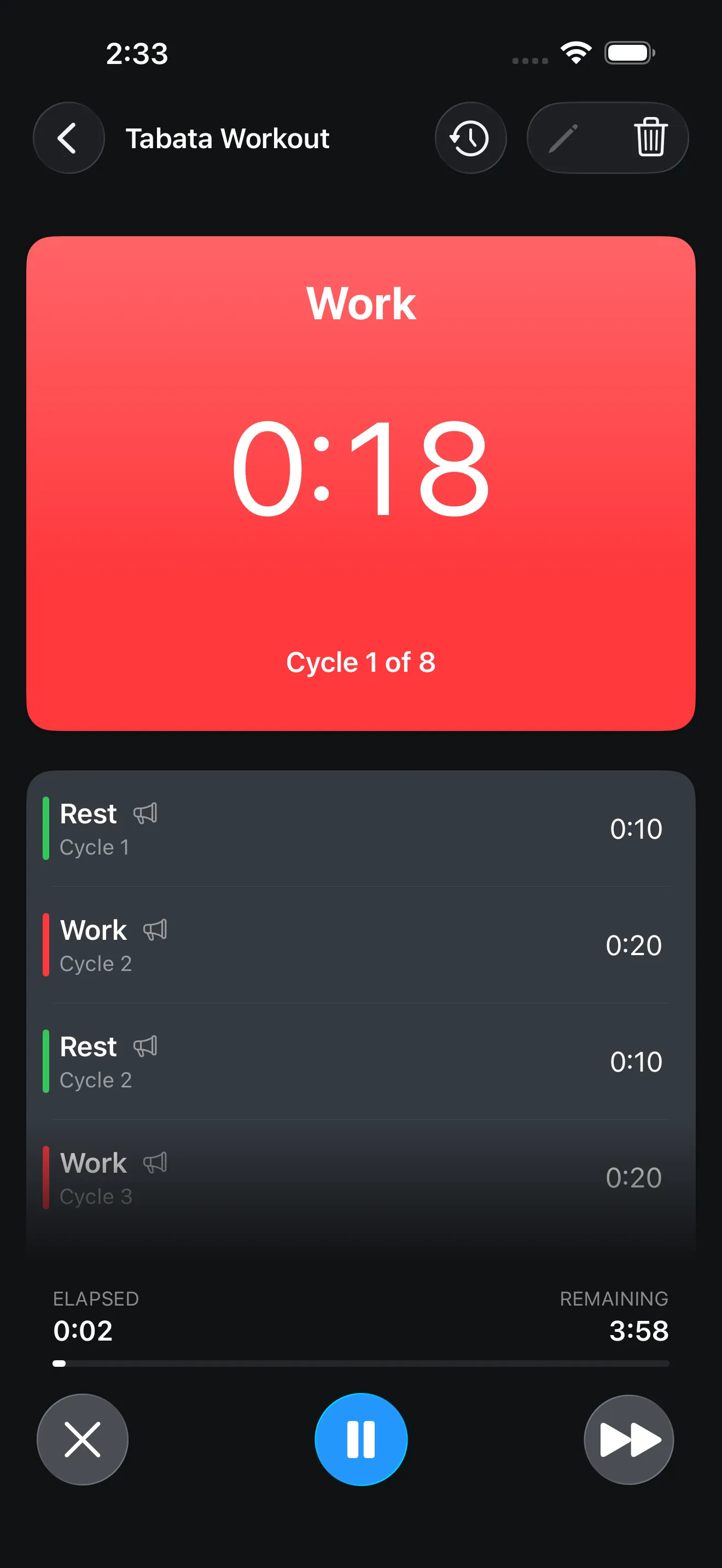
Create warmup, work, rest, and cooldown segments with exact durations and repeat logic.
Use built-in patterns or build custom round flows with interval segments and round breaks.
Use loud alerts and voice prompts so you can stay focused on movement quality and pacing.
Store frequently used workouts and launch them instantly on iPhone, iPad, Apple Watch, and widgets.
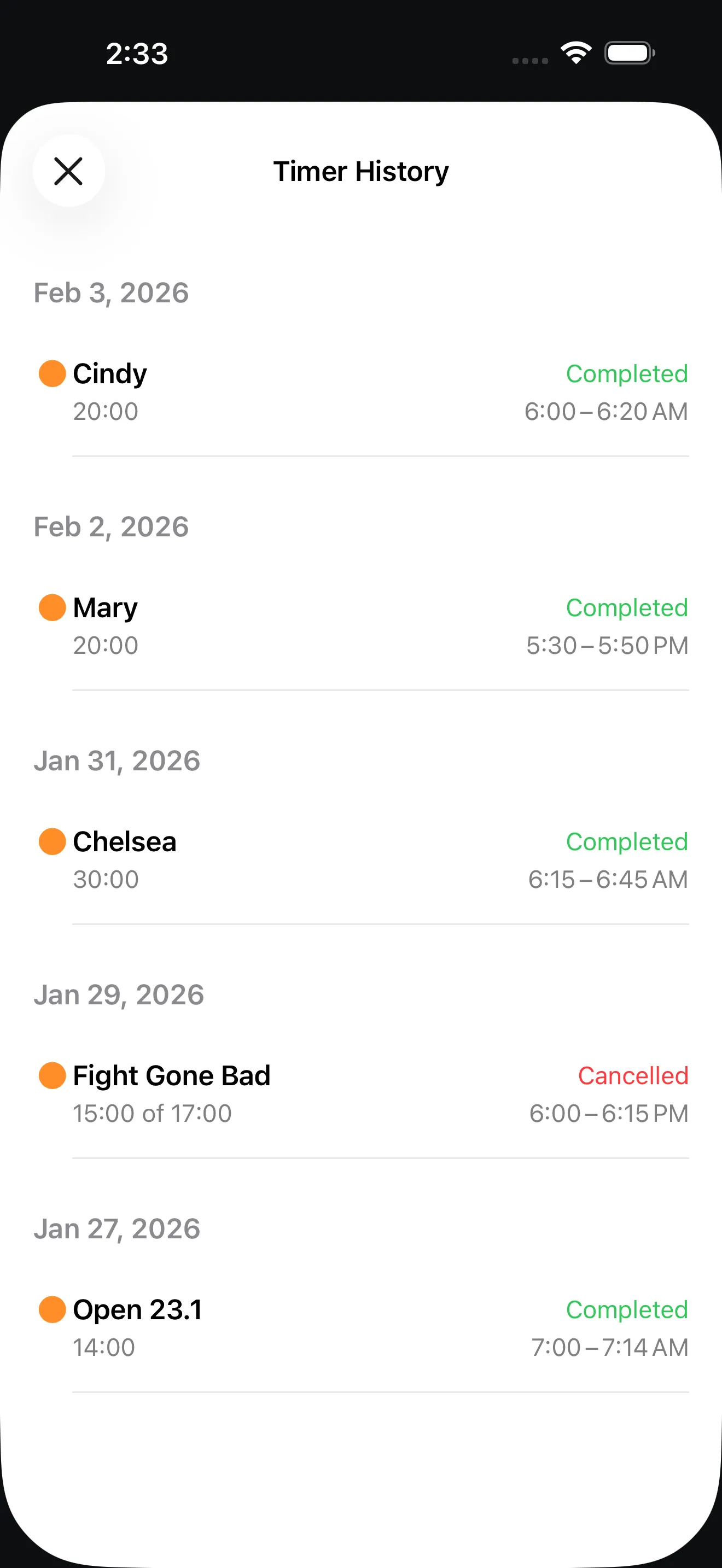
Use timer history to rerun your proven session structures week over week.
Build one workout once, then run it every day with precise pacing and clear transitions.

Yes. Timer+ supports EMOM, AMRAP-style interval blocks, Tabata formats, and fully custom rounds in one timer library.
Yes. You can configure sound cues and voice announcements for segment starts, transitions, and what comes next.
Yes. Save named workouts as templates so you can launch the same training block with one tap.
Timer+ keeps timer run history so you can review past sessions and repeat the exact structure later.