 Timer+
Minute-Level Precision
Configure work and recovery timing with exact second-level control, then repeat for any number of rounds.
EMOM Timer for iPhone
Build EMOM timers that match your exact session structure: custom work windows, named rounds, and repeat cycles. Timer+ handles transitions so you stay on movement quality and effort.
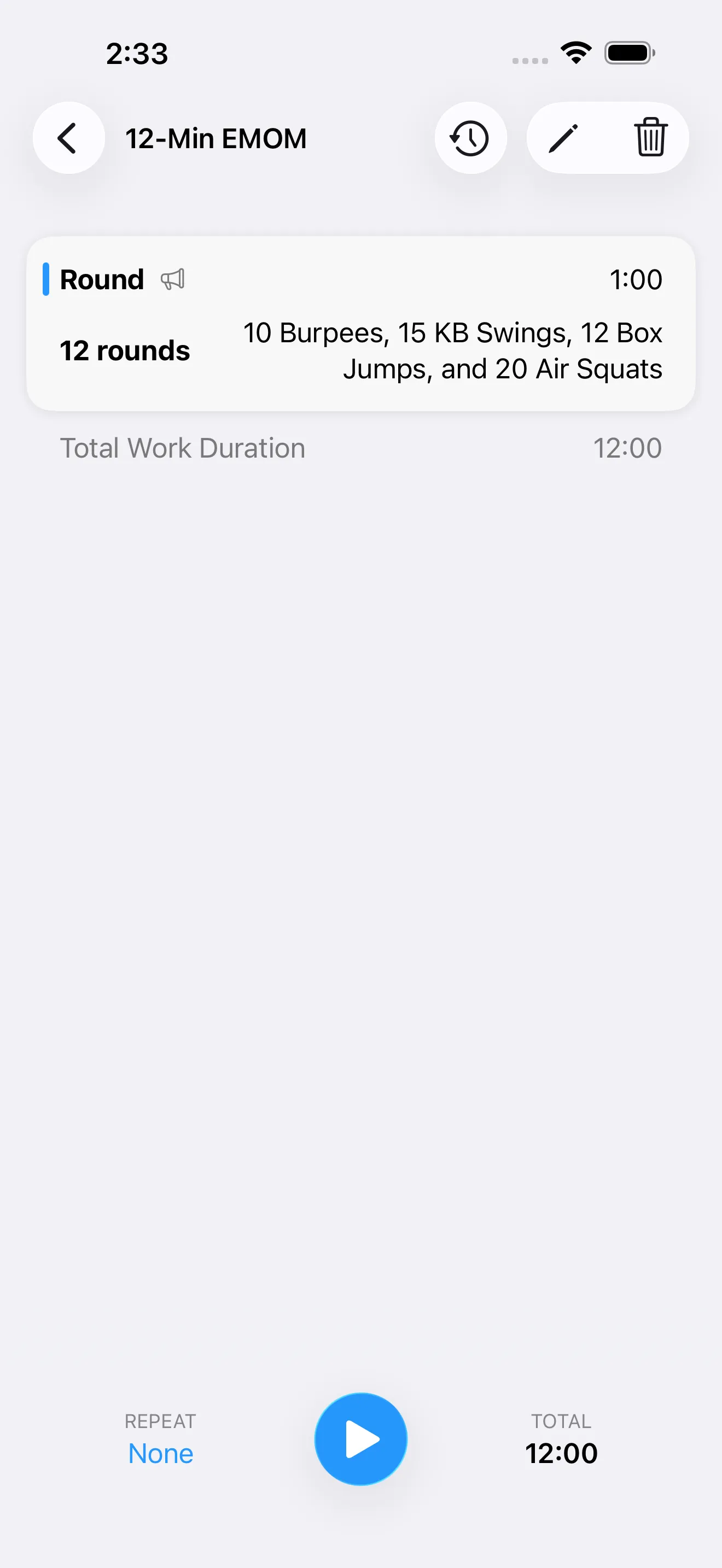
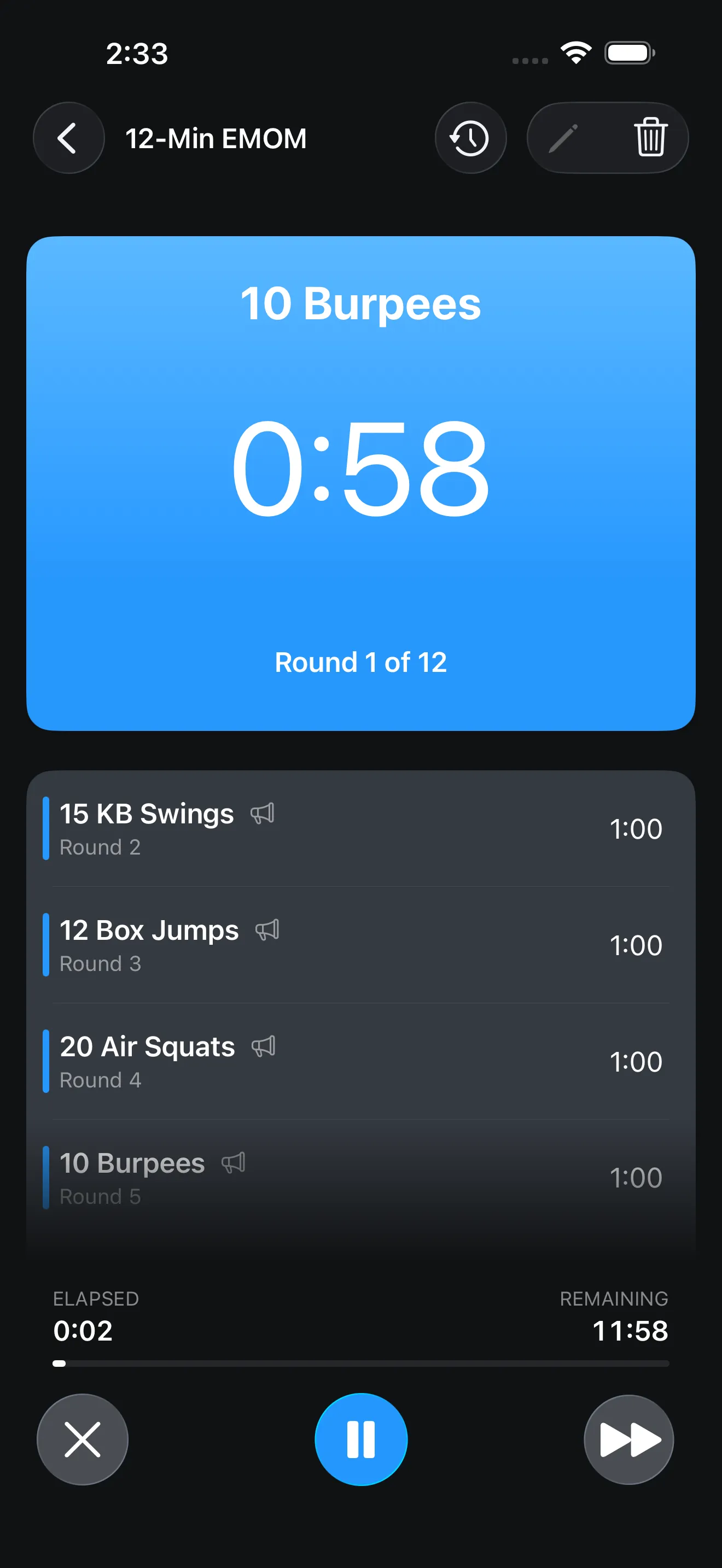
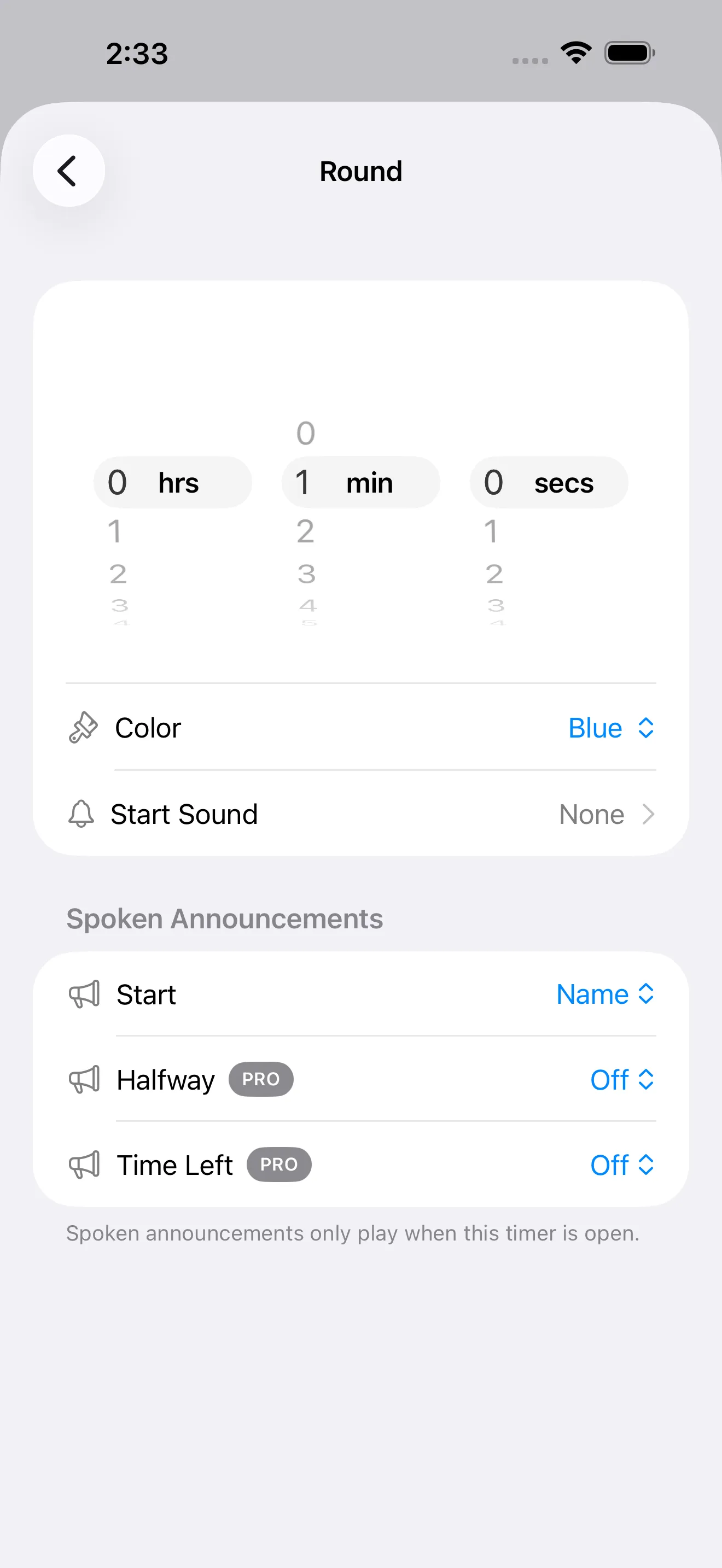
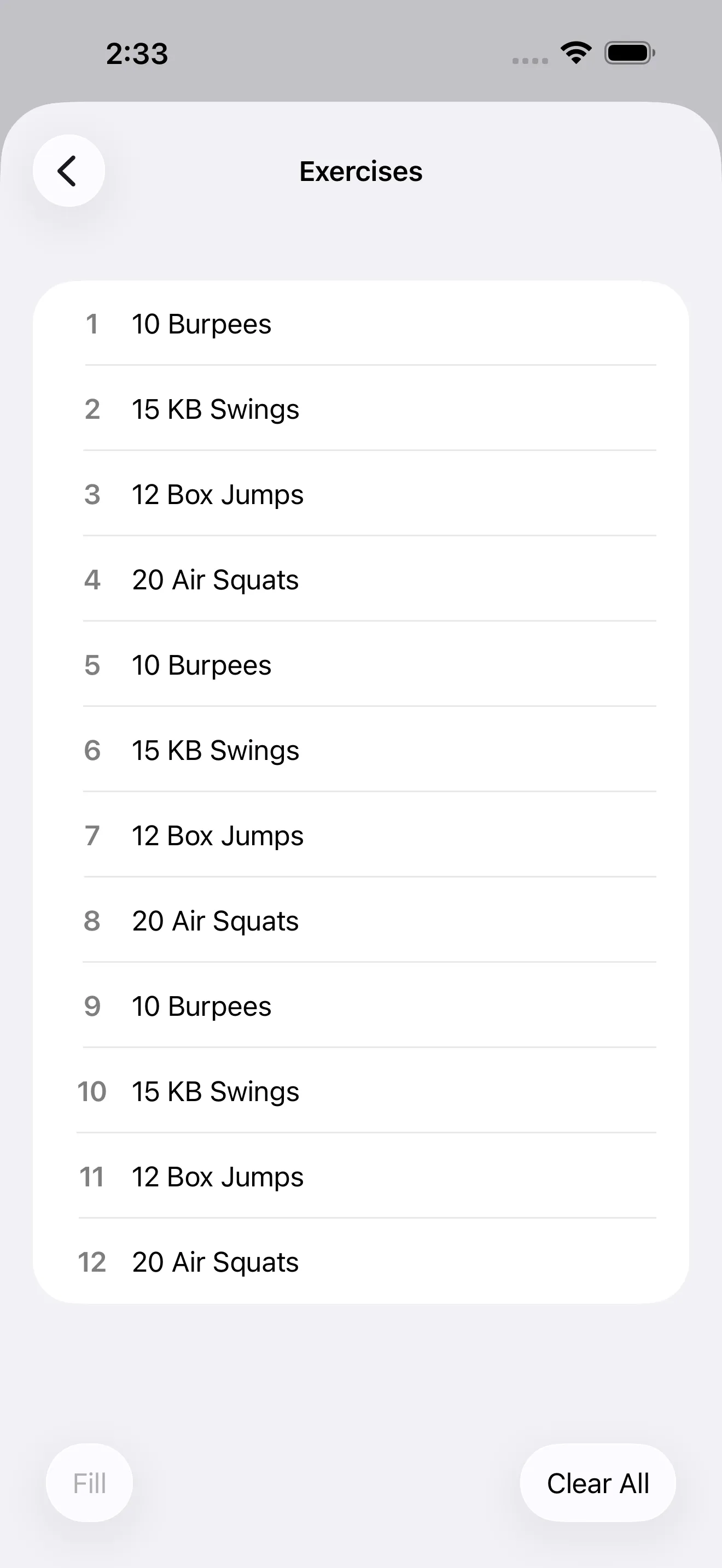
Configure work and recovery timing with exact second-level control, then repeat for any number of rounds.
Name each round and reorder intervals to match alternating movement plans.
Track active timers from Lock Screen widgets, Home Screen widgets, and Live Activities.
Use strong transition cues to stay on pace even when your phone is not in your hand.
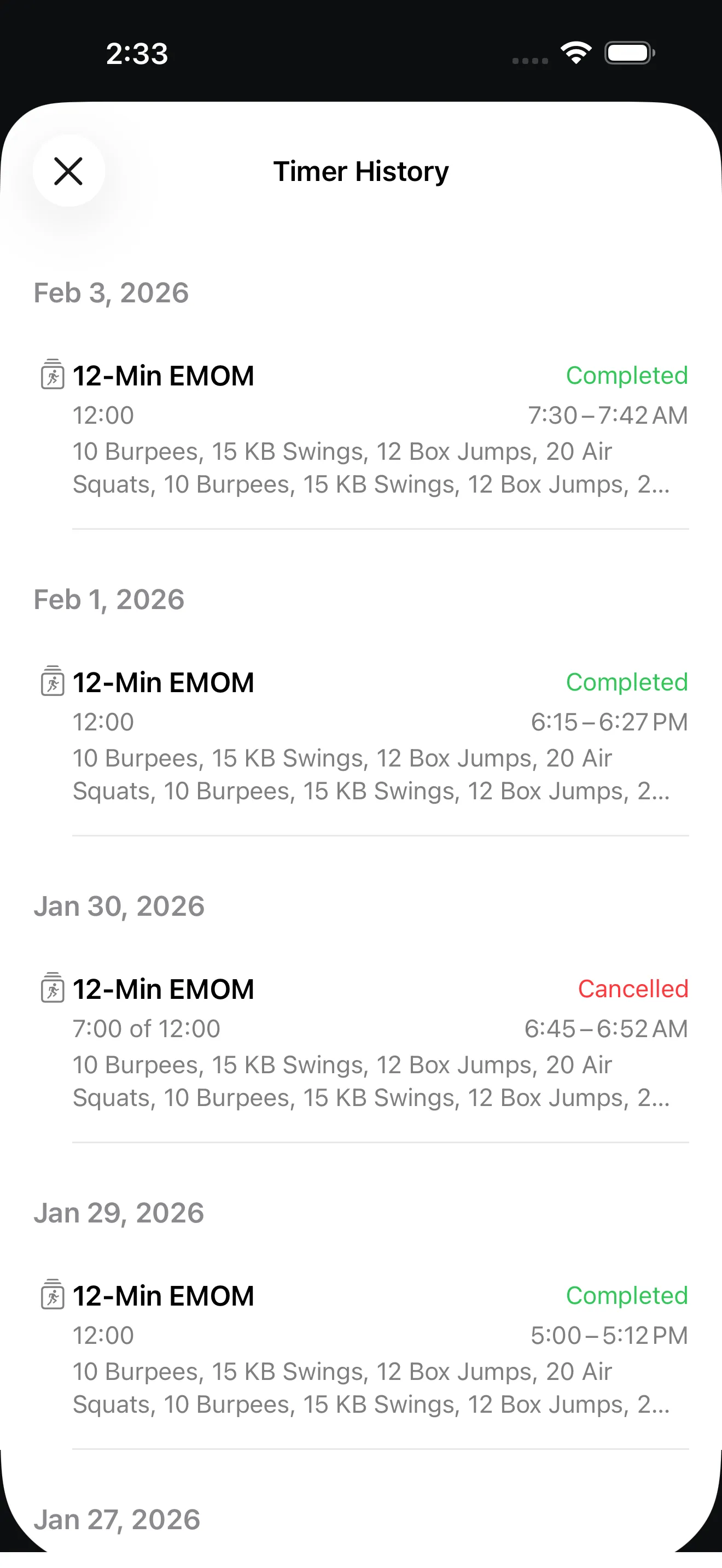
Review completed runs and relaunch the exact timer structure that worked.
Keep every minute exact with alerts, round naming, and editable interval structure that scales from beginner to advanced blocks.

EMOM means Every Minute on the Minute: you perform work at the start of each minute and rest for the remainder.
Yes. Timer+ lets you set exact work and rest segment durations and adjust them per template.
Yes. You can assign names to rounds and segments so each transition tells you exactly what to do next.
Yes. Save any EMOM setup as a reusable timer and run it in one tap from your timer list.