How to Get Timer+ Notifications Read Aloud on Headphones
In Timer+‘s system notification settings, make sure Announce Notifications is set to On.
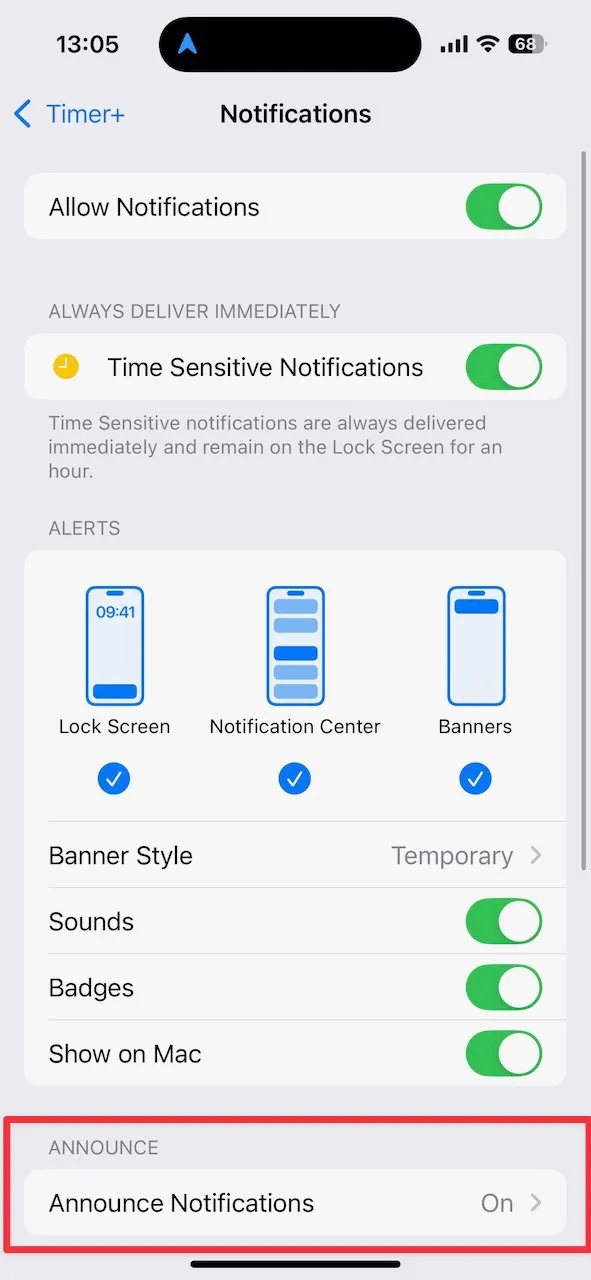
To find this setting:
- Open the Settings app.
- Go to Apps > Timer+ > Notifications.
- Enable Announce Notifications.