Why Are My Lock Screen Timers Blurred?
If your timers are blurred out on your lock screen, it’s caused by a privacy setting on your device.
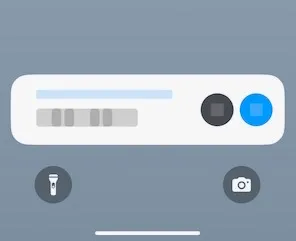
To fix it:
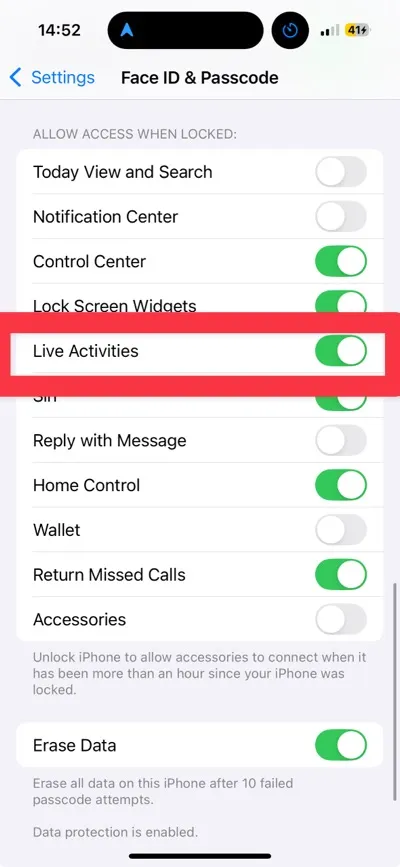
Section titled “To fix it:”- Open the Settings app.
- Tap Face ID & Passcode (or Touch ID & Passcode).
- Scroll to Allow Access When Locked.
- Turn on Live Activities.
This will unblur timers and other real-time updates on the Lock Screen.
Note: This applies to all apps, not just Timer+.